


Playing back audio from a Bluetooth® device
Wirelessly connect a Bluetooth device (such as a smartphone) to this product to play music files and other audio.

- Adjusting the volume on the Bluetooth device may cause the sound to become unexpectedly loud, which can result in hearing impairment or damage to equipment. If the volume suddenly becomes too loud during playback, stop playback immediately.
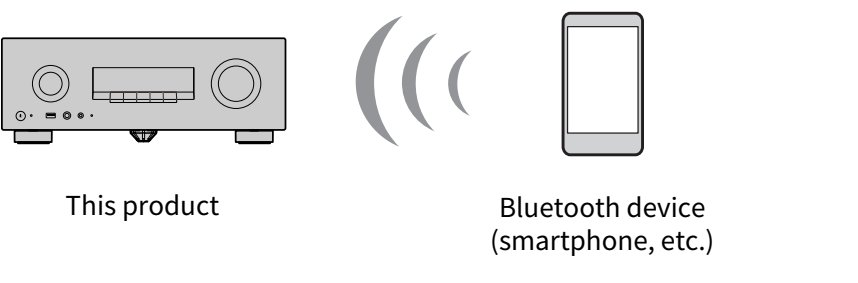
- Press the $ key on the remote control to switch the input source to “Bluetooth”.
- Check that “Pairing…” is displayed on the front display.
- If it is not displayed, press and hold the $ key.
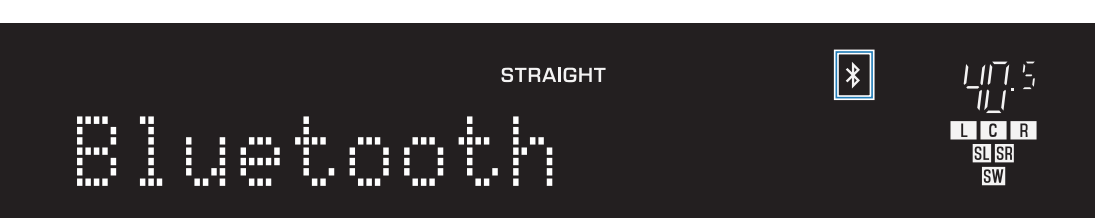
- This product enters pairing mode. When pairing mode is enabled, the “$” icon on the front display flashes.
- You can also access pairing from “Pairing” in the OPTION menu.
- Select this product (network name of this product) on the Bluetooth device.
- The default name of this product is “Yamaha RX300A”.
- If a passkey is required, enter the number “0000”.
- Start playback of the audio on the Bluetooth device.
NOTE
- When the input is switched, if a paired Bluetooth device is detected, it connects automatically.
- Depending on the Bluetooth device, you may be able to control the volume of this product from the Bluetooth device during playback.
- To disconnect the Bluetooth device, do any of the following.
- Perform a disconnect operation on the Bluetooth device.
- Switch this product’s input source to something other than “Bluetooth”.
- In the SETTINGS menu, set “Bluetooth” > “Bluetooth” to “Off”.
- When a Bluetooth device is connected, “$” lights up on the front display.
 RX300A