


Basic operation of the SETTINGS menu
This section describes the basic control operations of the SETTINGS menu. This menu is operated with the remote control while viewing the TV screen.
- Press the ~(SETTINGS menu) key on the remote control.
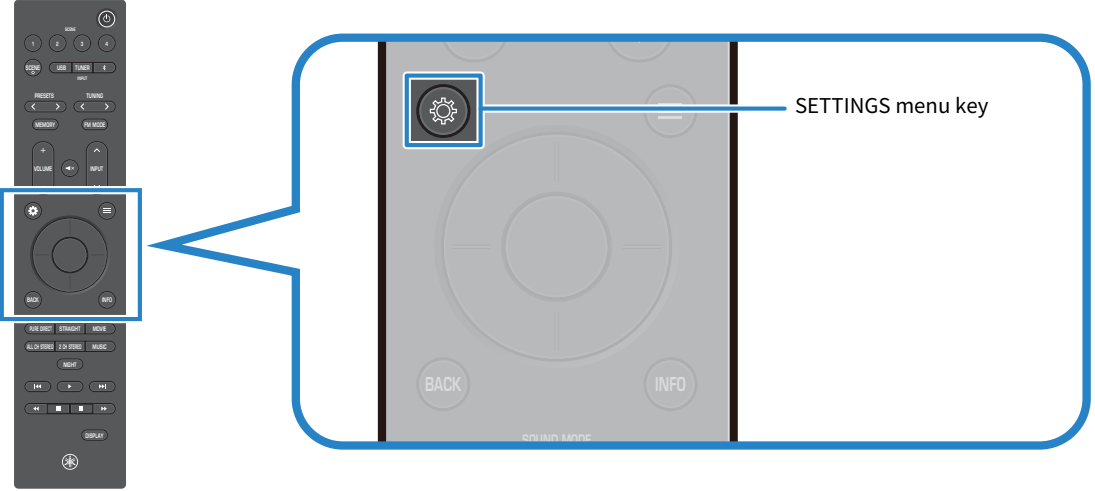
- The SETTINGS menu screen appears on the TV. If it is not displayed, switch the input on the TV.
- Select a menu.
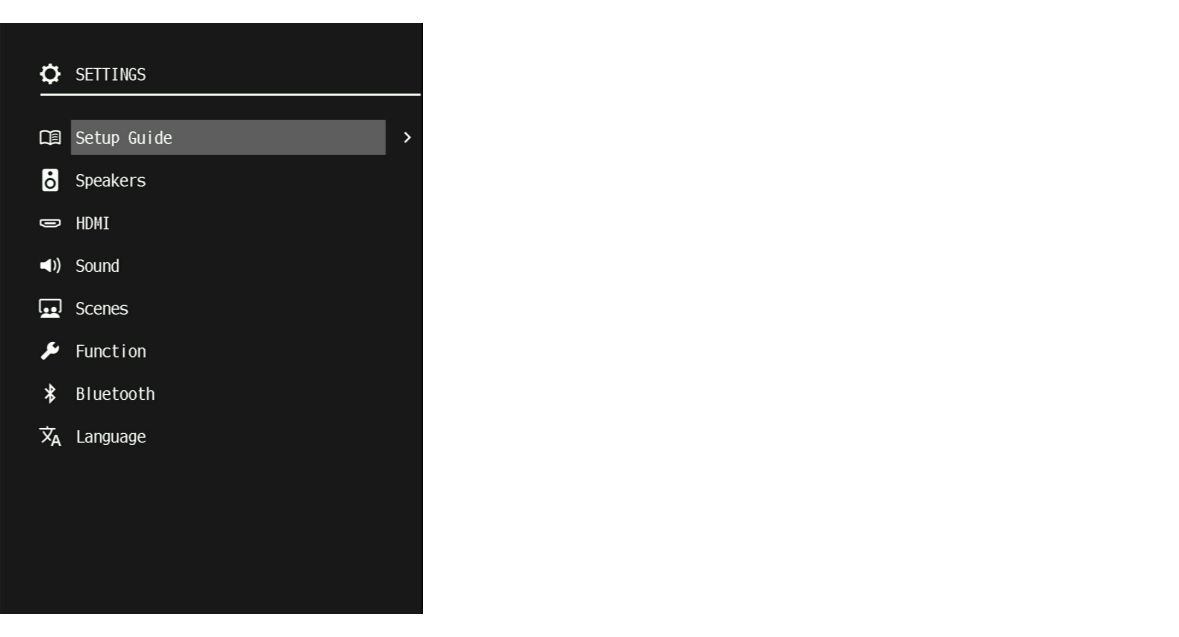
- Select a menu item.
- Change the setting.
- Press the ~(SETTINGS menu) key.
- The SETTINGS menu screen closes.
- This completes the setting.
 RX300A