


Updating the firmware
- Make sure that this product is connected via USB cable to a computer that has TOOLS for MGX/URX installed.
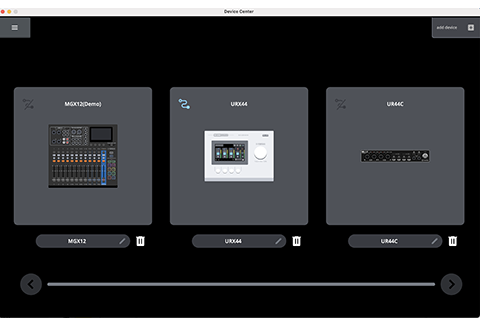
- That displays the Device Center device list screen.
- To update the firmware for the interface unit, use the Device Center device configuration software. Device Center is included in TOOLS for MGX/URX.
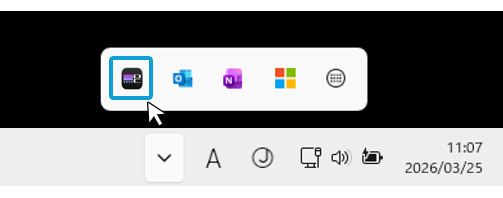
- Use the following steps to launch Device Center and access the Device List screen.
- Windows: Launch Device Center from the notification area on the taskbar
- Mac: In the Applications folder, launch Device Center.
- On the Device Center Device List screen, select the URX device for which firmware is to be updated.
- Disconnect all Yamaha products other than the selected URX from your computer.
- Click [
 ] (Firmware Update).
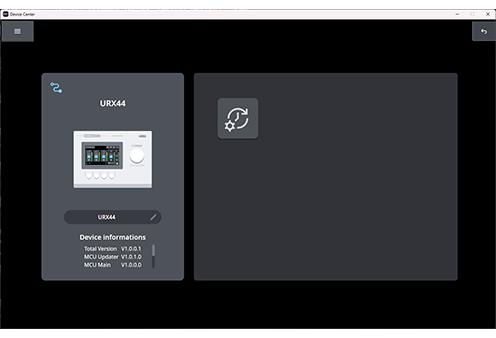
- Follow the onscreen instructions to update the firmware.
- When the screen indicating the update is complete appears, click [Close].
Now you’re finished with the firmware update.
 URX44V URX44 URX22