


Playing the same audio from all speakers (ALL mode)
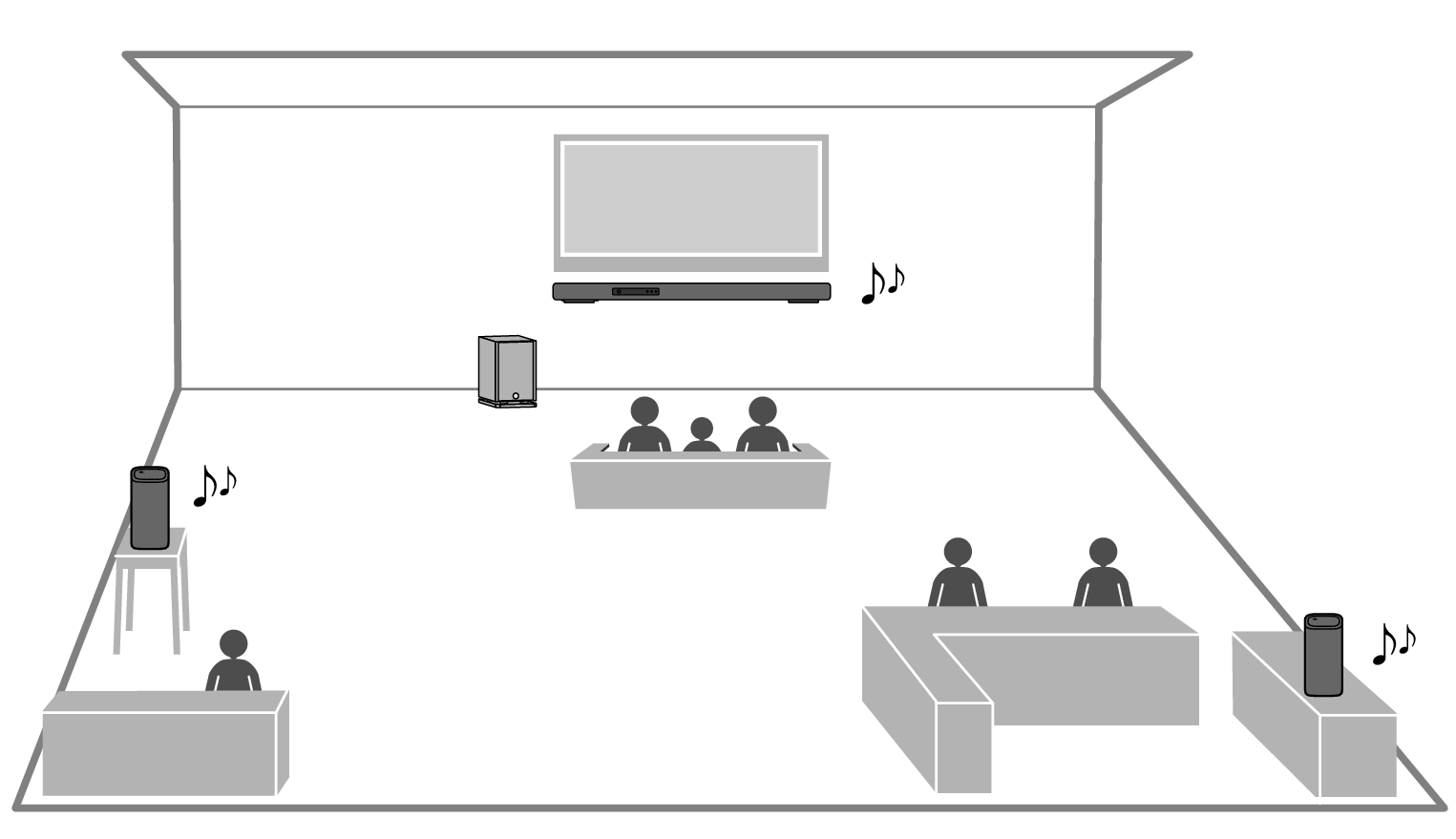
When the mode is switched to the ALL mode, the wireless speakers (surround speakers) connected to the sound bar will output same audio as the sound bar in monaural mode. This mode is useful for making audio easy to hear from anywhere in a large room.
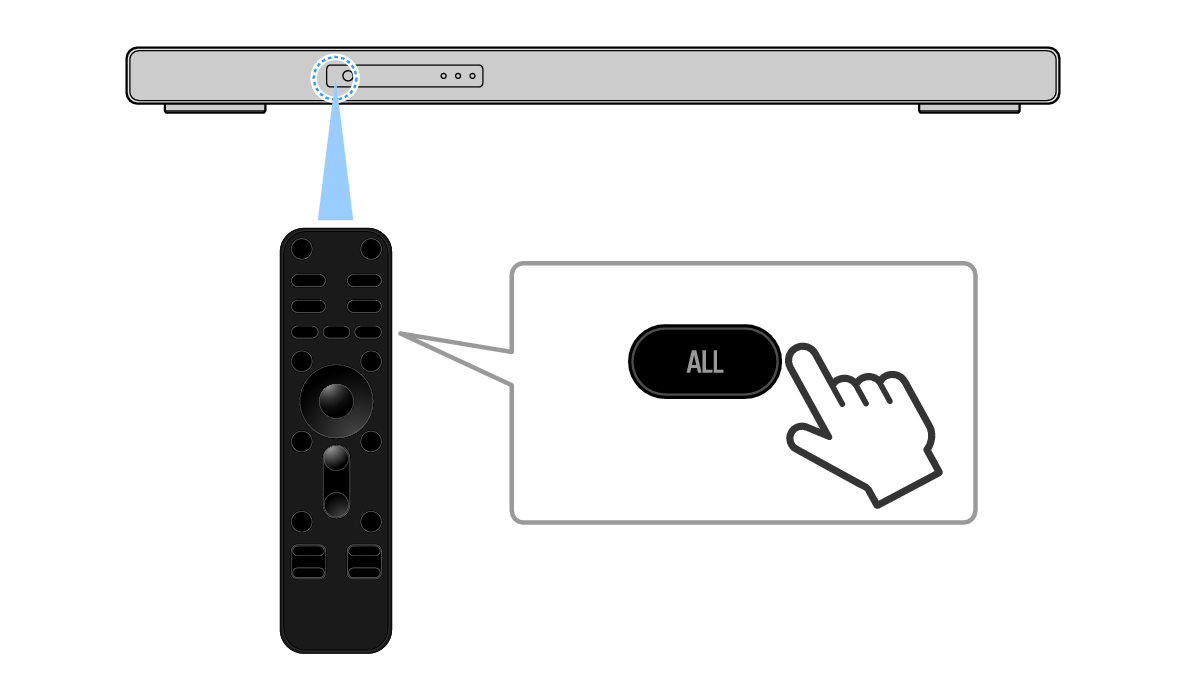
Point the sound bar remote control at the sound bar and press the ALL key to switch to ALL mode.
A short message displays “ALL” when you switch to ALL mode.
When the INFO key is pressed to open the sound mode during playback in ALL mode, “ALL” is displayed on the front display.
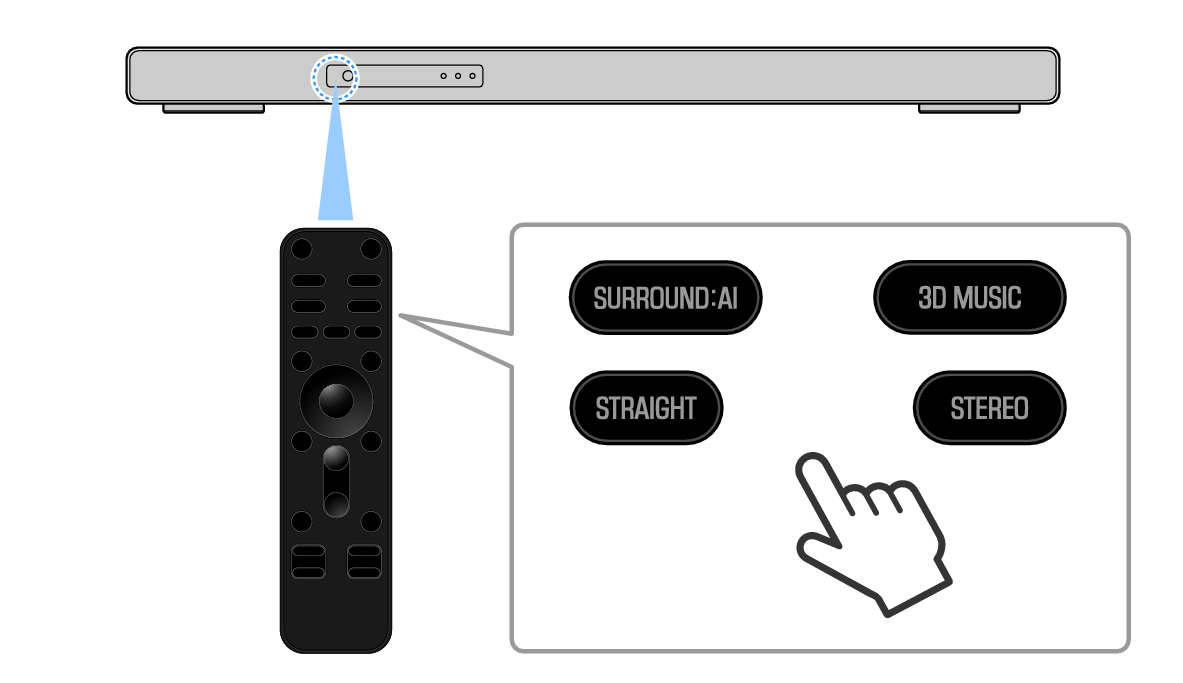
To cancel ALL mode, press one of the following keys on the remote control to switch to surround playback or stereo playback: SURROUND:AI, 3D MUSIC, STRAIGHT, or STEREO.
NOTE
- In ALL mode, multi-channel playback is off, and the sound bar provides stereo playback while the wireless speakers provide monoaural playback.
- Install wireless speakers within 10 m (33 ft) of the sound bar.
- If there is a wall or other obstacle between the sound bar and wireless speakers, the audio may cut out.
 TRUE X BAR 90A (SR-X90A)