


Basic operations in the Option menu
This section describes basic Option menu control operations.
Use the remote control while looking at the TV screen to operate this menu.
- Press the u (Option) key.
- The Option menu screen appears.
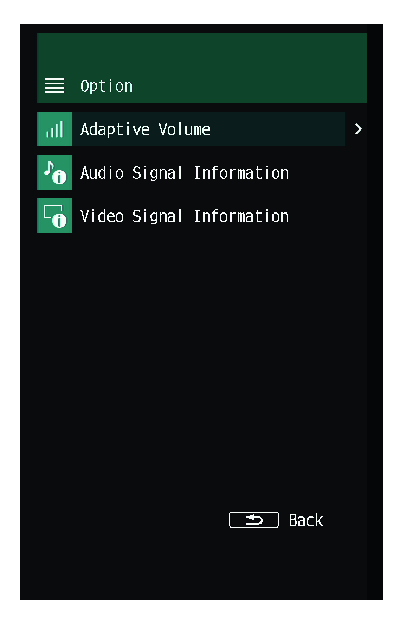
- Select a menu item.
- Change the setting.
- Press the u (Option) key.
- This completes the setting.
 TRUE X BAR 90A (SR-X90A)