


Basic operations of the Setup menu
This section describes basic Setup menu control operations.
Use the remote control while looking at the TV screen to operate this menu.
- Press the ~ (Setup) key.
- Select menu.
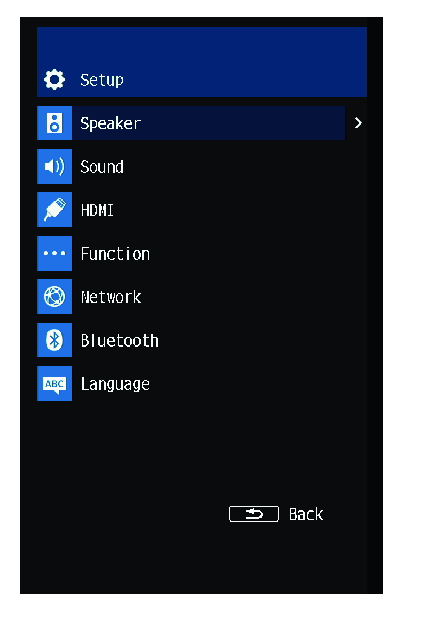
- Select a menu item.
- Change the setting.
- Press the ~ (Setup) key.
- This completes the setting.
NOTE
- A message will inform you when new firmware becomes available.
- If there is new firmware on the network, an
 icon will appear in the lower left corner of the screen in the Setup menu.
 TRUE X BAR 90A (SR-X90A)