


Basic operations in the front display menu
Describes how to use the basic front display menu functions. Use the remote control while looking at the front display to operate this menu.
- Press the
 (Front Display Menu) key on the remote control.
- The menu list screen appears.
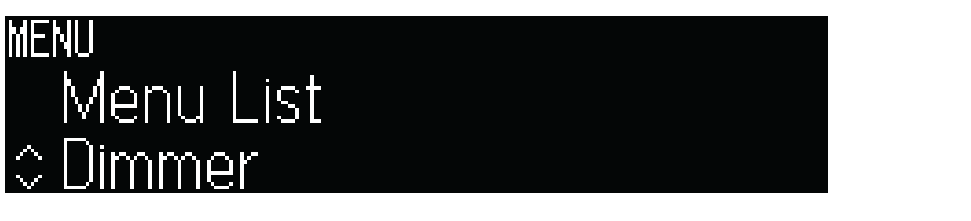
- Select a menu item.
- Change the setting.
- Press the (Front Display Menu) key.
- This completes the setting.
NOTE
- To cancel operation in the front display menu, or to return to a previous display, press the - (Return) key on the remote control.
 TRUE X BAR 90A (SR-X90A)