


Turning on the sound bar
Turn the product on.
Check that the indicators on the front display of the sound bar are off and the power lamp on the rear of the subwoofer flashes green or red before turning on the sound bar.
- Turn on the TV.
- Press the z (Power) key on the remote control.
- When the sound bar is turned on, it is automatically connected to the subwoofer wirelessly and the front display shows current settings.

- Select the input on the TV to sound bar.
- Select sound bar on the TV input. For details, refer to the instruction manual for your TV.
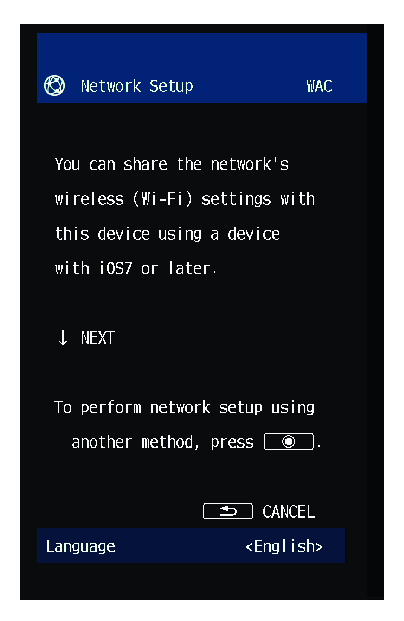
- If a LAN cable is not connected, a message regarding network settings will appear on the TV screen.
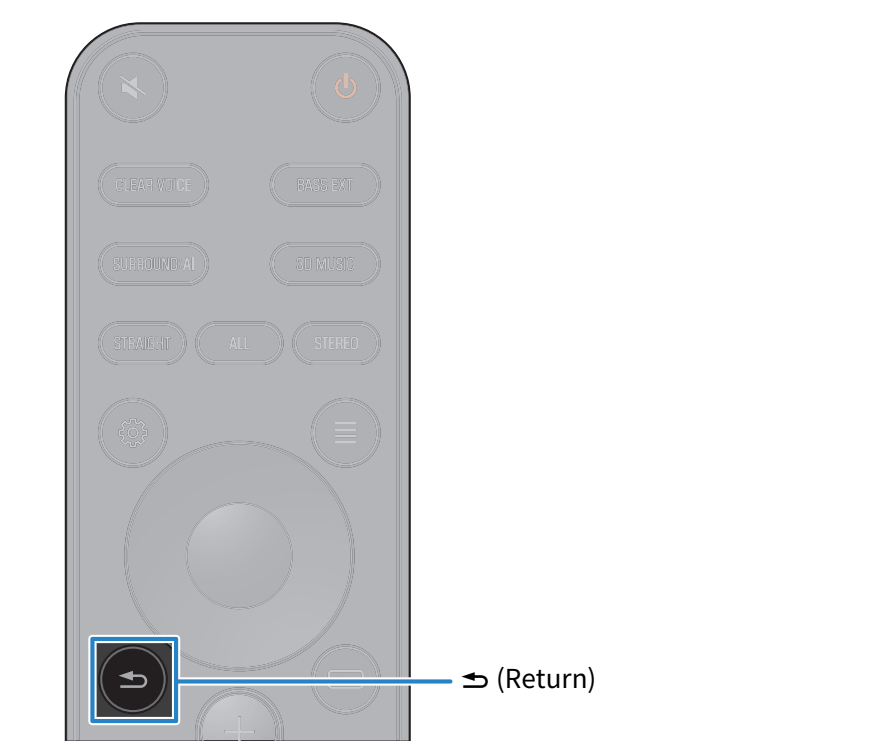
- If this is the case, press the - (Return) key to close the message.
NOTE
- Pressing the z (Power) key when the power is on will turn the sound bar off. When the sound bar is turned off, the indicators go off.
Next steps
 TRUE X BAR 90A (SR-X90A)