


Enabling/disabling the Child Lock function
Locking the controls of the sound bar prevents accidental operation (Child Lock function).
Default setting: Disabled (no Child Lock)
- Turn off the sound bar.
- Hold down INFO for at least five seconds.

- The Child Lock function switches from enabled to disabled, or from disabled to enabled.
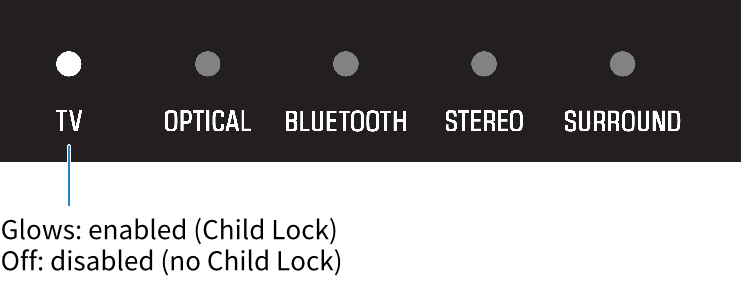
- The indicator shows the setting applied as follows, and the sound bar is turned on.
 SR-B20A