


Starting the voice assistant
You can use this product to control a voice assistance feature such as Siri or Google Assistant. This feature is available when you connect this product to a Bluetooth device that supports voice assistance.
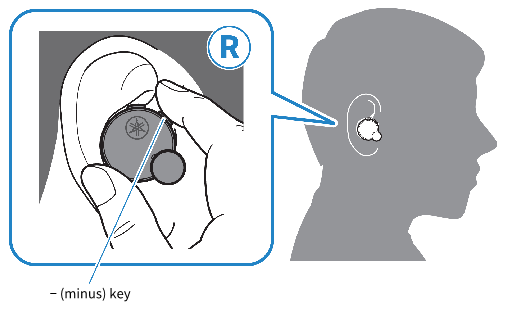
- Start voice assistant
- Hold down the − (minus) key (about one second).
- Stop voice assistant
- When using Siri
- When using Google Assistant
Hold down the − (minus) key (about one second).
Operate using your Bluetooth device.
NOTE
- The operations for the voice assistant feature will vary depending on your Bluetooth device. See the user’s manual of your Bluetooth device for details.
 TW-E7B