


Initializing the sound bar
Reset the settings of the sound bar to the factory presets.
- Turn off the sound bar.
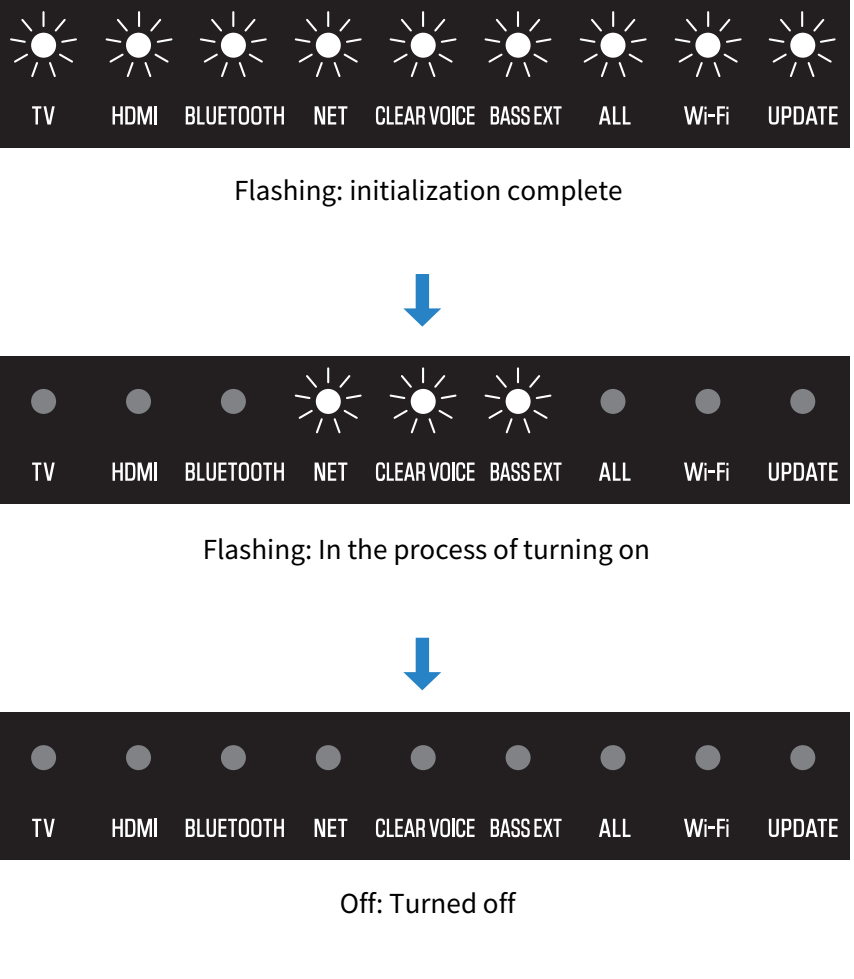
- While holding down + on the sound bar, press the power button until all indicators flash.

- The settings of the sound bar are initialized.
When initialization is complete, the indicators show the following and the sound bar is turned off.
NOTE
- When the SW-X100A subwoofer (sold separately) is connected, the connection information with the subwoofer will remain even if the settings of the sound bar are initialized.
 TRUE X BAR 40A (SR-X40A)