


Turning on and off the sound bar
Turn the sound bar on and off.
- Press the z (Power) button on the remote control.
- Pressing the button turns the sound bar on and off.

- When the sound bar is turned on, all the indicators on the front of the sound bar glow, and then some indicators remain glowing to show the setting status (normal display).
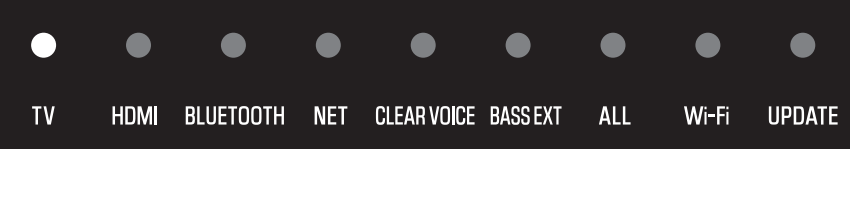
- When the sound bar is turned off, the indicators go off.
NOTE
- After connecting the power, some of the indicators on the front of the sound bar flash for approximately one minute as follows, and then turn off.
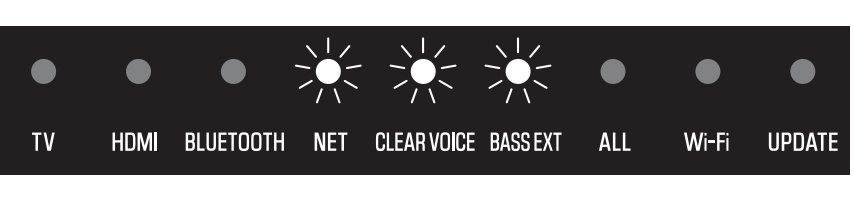
Make sure that the indicators turn off before turning on the sound bar.
Next steps (if needed)
- Connecting the sound bar to a network:
- Connecting the SW-X100A subwoofer (sold separately):
- Connecting the WS-X3A/WS-X2A/WS-X1A wireless speakers (sold separately):
 TRUE X BAR 40A (SR-X40A)