


Turning the power on/off (standby)
This shows how to turn this product on/off (standby).

- To avoid hearing loss, turn this product on and then put on your headphones.
How to turn the power on/off (standby)
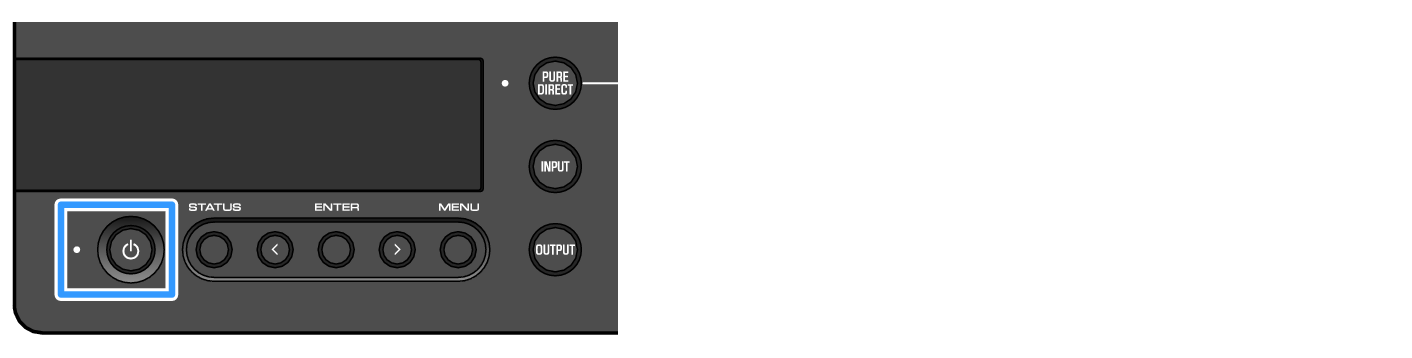
Press the [z] power button on the operating panel to turn the power on or off (standby). You can also do this by pressing the [z] power key on the remote control.
The indicator to the left of the power button along with the information display lights up when the power is turned on. The information display goes dark after several seconds.
NOTICE
- Make sure to disconnect the power plug from the AC outlet if you won’t be using this product for a long time. This is because a slight electrical current is still flowing while this product is in off (standby) mode.
 HA-L7A