


Listening with higher-definition sound quality (PURE DIRECT)
When PURE DIRECT is turned on, the various processing modes and circuits except for the basic functions necessary for playback are stopped. This allows for higher playback definition with less noise.
Using PURE DIRECT
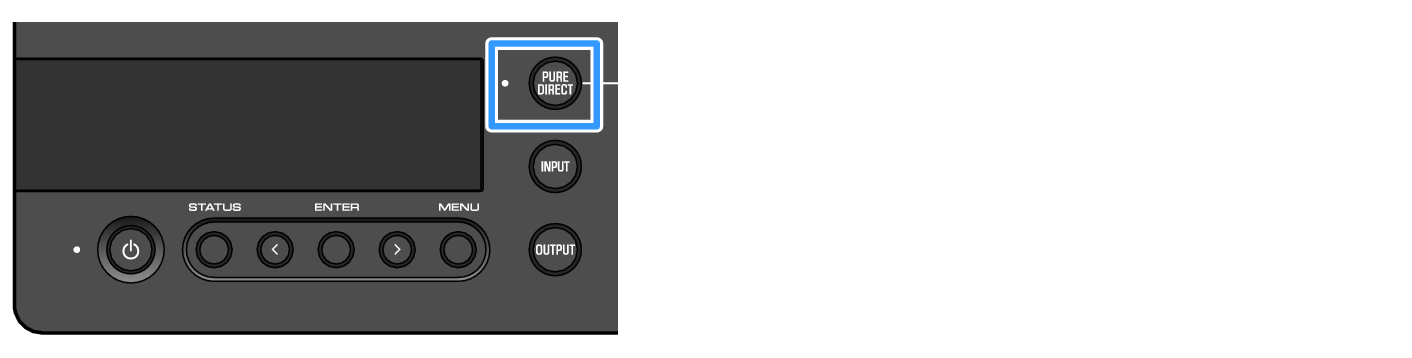
Press the [PURE DIRECT] button on the operating panel to toggle this function on/off.
When PURE DIRECT is on, the indicator to the left of the [PURE DIRECT] button lights up. You can also do this by pressing the [PURE DIRECT] key on the remote control.
NOTE
- When PURE DIRECT is on, the following settings are disabled and cannot be edited.
- SOUND FIELD MODE settings
- DAC FILTER settings (for analog input)
- DAC LOCK RANGE settings (for analog input)
- LR BALANCE settings
- When you use an operation that can’t be changed, “NOT AVAILABLE” appears in the information display.
 HA-L7A