


What to do if the sound bar and subwoofer are not paired automatically
Normally, the sound bar and subwoofer are paired automatically, but if they are not properly paired due to a temporary communications failure, pair them manually.
NOTE
- Pairing is the process of having the sound bar and subwoofer recognize one another as devices to connect to.
- Turn off the sound bar.
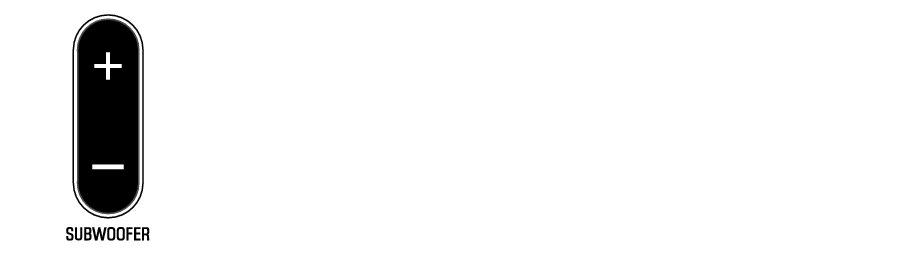
- Press and hold SUBWOOFER (-) on the remote control for at least five seconds.
- The sound bar is turned on, and the OPTICAL indicator on the sound bar flashes.
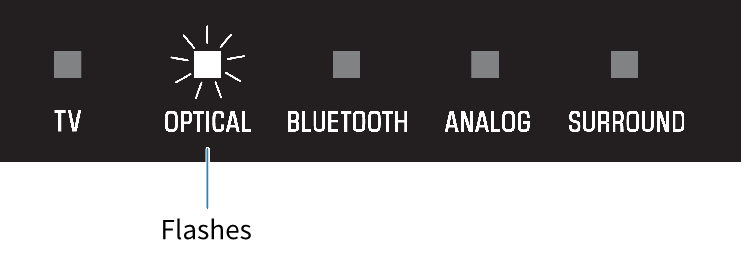
- Within 30 seconds, press and hold PAIRING on the rear of the subwoofer for at least five seconds.
- When the sound bar and subwoofer have been paired successfully, the * indicator glows.
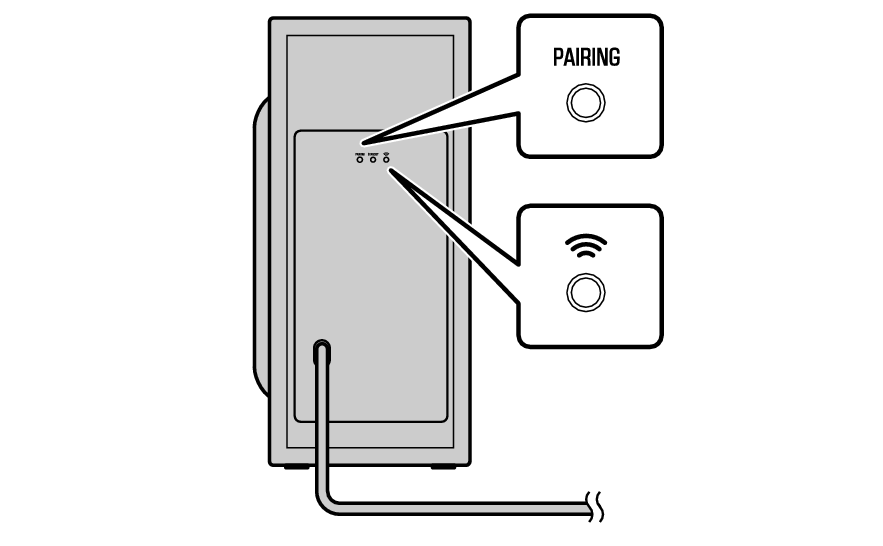
If the * indicator on the subwoofer does not glow after following the procedure above, do the following and then perform pairing manually again.
- Move the subwoofer and/or the sound bar so that they are closer to each other.
- Install the sound bar and subwoofer in positions where they are not obstructed from each other by metal furniture.
- If a device emitting electromagnetic waves (such as a microwave oven or a wireless LAN device) is located nearby, place the subwoofer and sound bar farther away from it.
 SR-C30A