


Operations while livestreaming
This explains the operations you can use while livestreaming.
Mute the mic
If you will be leaving your seat or otherwise taking a break during the livestream, turn the [MUTE] button on (the LED lights up), so that the sound from the mic is not broadcasted.
Adding reverb to your voice
To add reverb to the mic audio, turn the [REVERB] button on (the LED lights up).
Using the AG Controller app
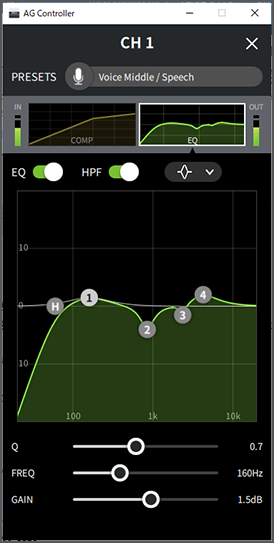
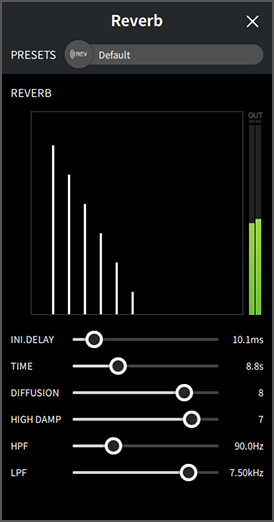
To make detailed settings for this product, use the AG Controller app. As an example, here are the settings screens for EQ and reverb.
- EQ settings screen
- How to access: [Detail r] → click on the [EQ] graph for [CH 1] onscreen
- Reverb settings screen
- How to access: [Detail r] → click on the [Reverb] graph onscreen
NOTE
- The AG Controller app is not available for Android devices.
 AG03MK2 AG06MK2