


MIDI (Control Change) screen
The MIDI Control Change screen is the screen for assigning faders and/or [ON] keys to control changes.
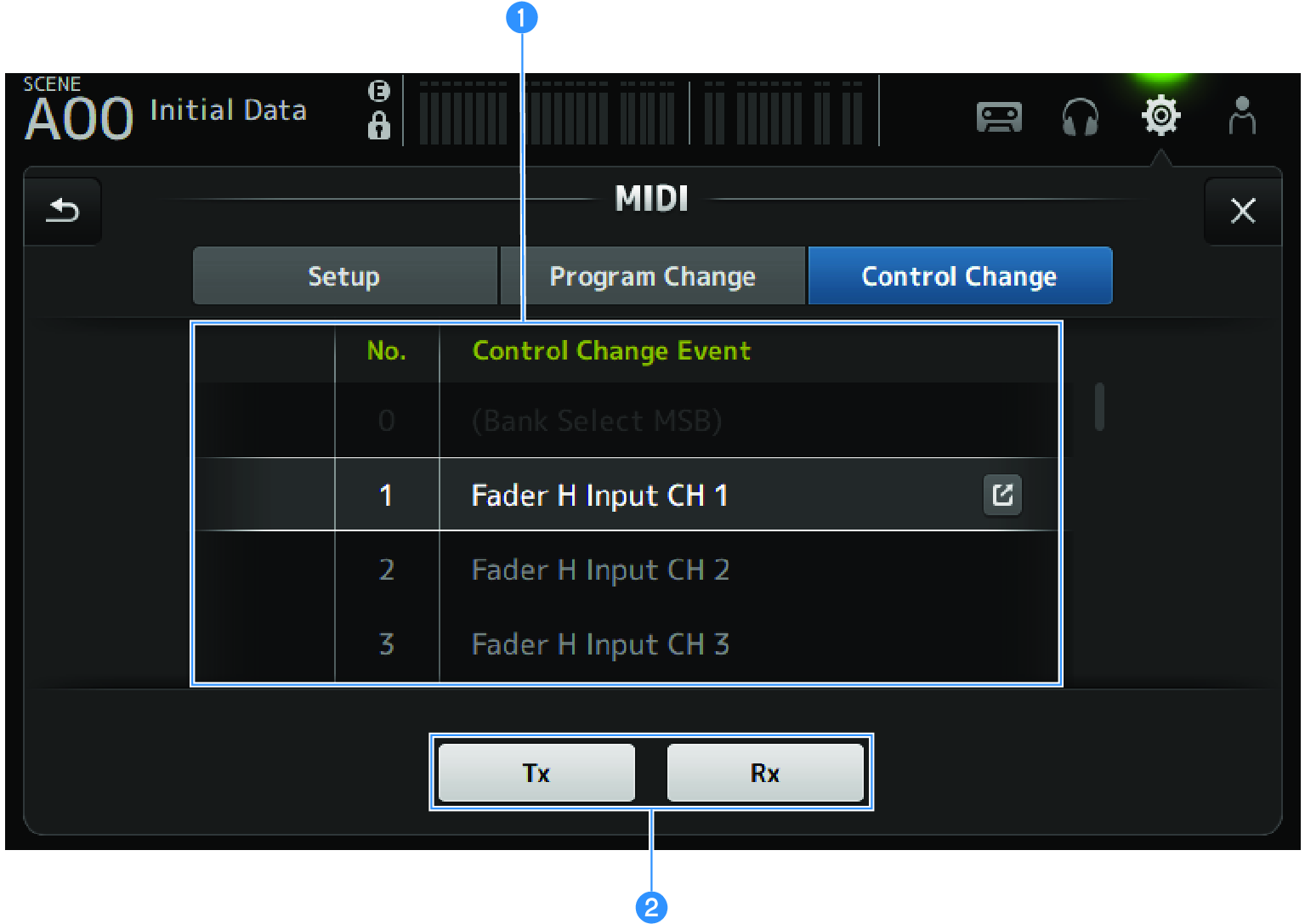
a | Control change list
|
b | Control change selection button Turns the control change communication signal ON/OFF. Functions the same as the Control Change selection buttons on the Setup screen. |
MIDI CONTROL CHANGE selection screen
The MIDI CONTROL CHANGE screen is for assigning parameters to control changes.
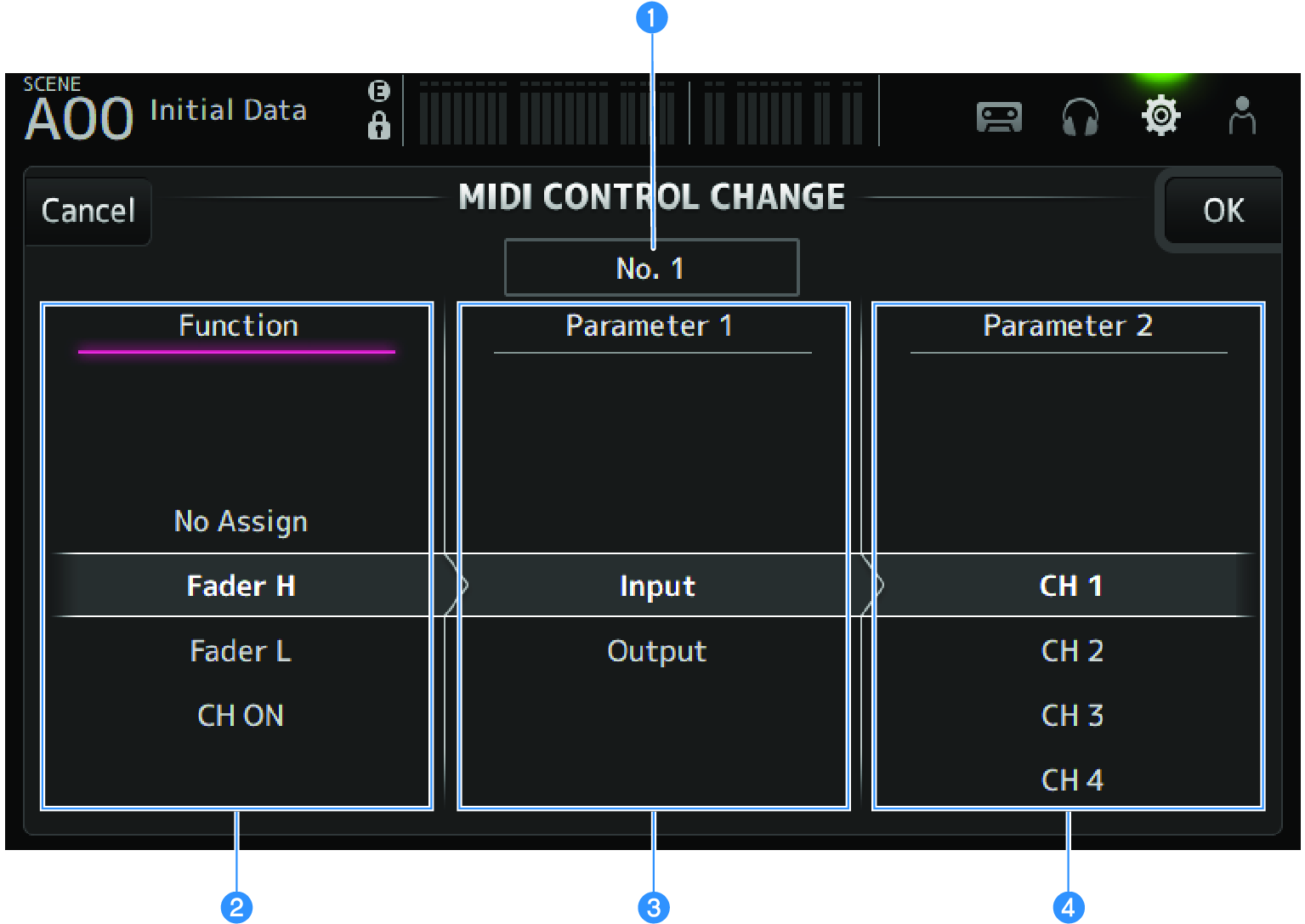
a | Control change display Displays the control number of the control change that assigns parameters. |
b | Function Selects the function to control. If not assigning any parameters to a control change, select No Assign. |
c | Parameter 1 For selecting input or output channel. |
d | Parameter 2 For selecting the channel number. |
MIDI CONTROL CHANGE screen menu
Swipe left on the menu swipe indicator on the right of the MIDI CONTROL CHANGE screen to open the following menu.
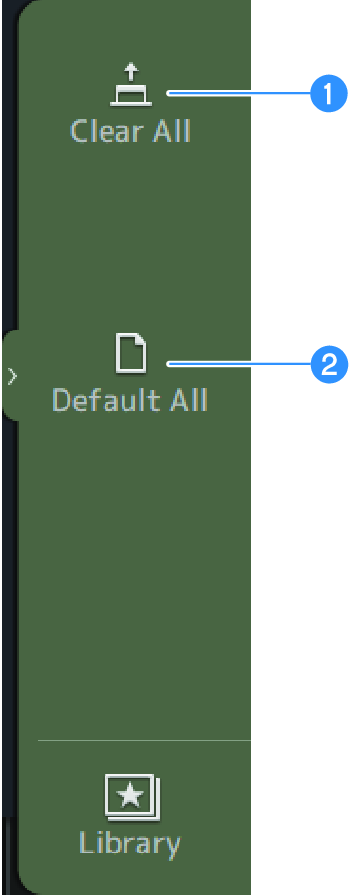
a | Clear All Clears all settings assigned to a control change. |
b | Default All Sets all program change assignments to their defaults. |
 DM3 Series