


DANTE (Setup) screen (DM3 only)
The DANTE (Setup) screen is for configuring the Dante audio network environment.
Press the Setup button under the screen title to open the DANTE (Setup) screen.
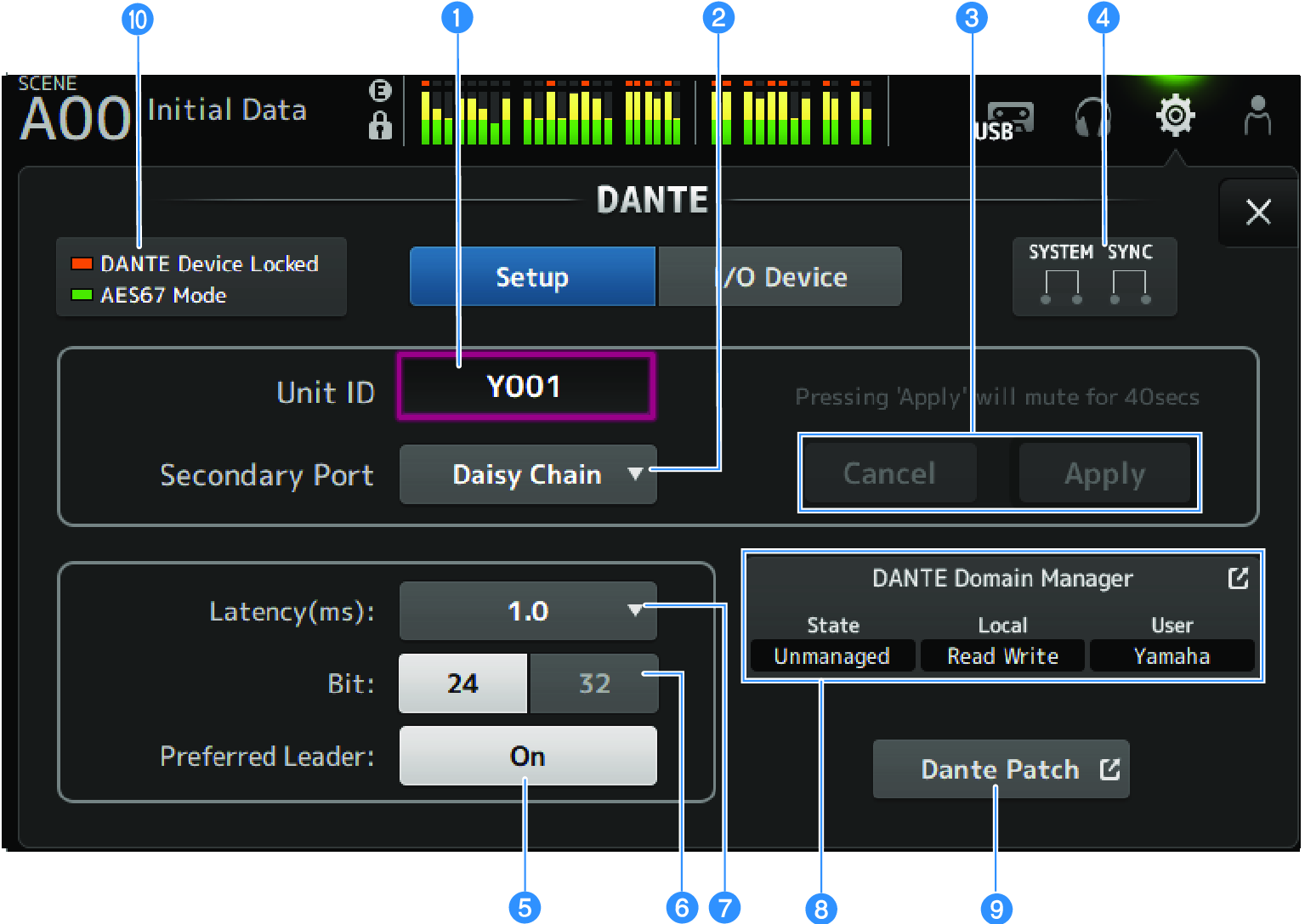
a | Unit ID text box Use the [TOUCH AND TURN] knob to set the Unit ID. The range is from Y000 to Y01F. Touch the Apply button to apply the settings. |
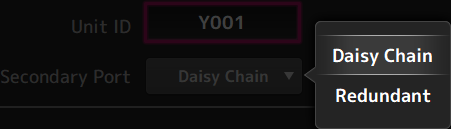
b | Secondary Port selection button For selecting the function of the Secondary Port. Select from Daisy Chain or Redundant.
|
c | Cancel and Apply buttons When the settings of Unit ID and Secondary Port are changed, these buttons become active. Use them to cancel or apply the change to settings. |
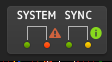
d | SYSTEM and SYNC indicators
Displays the status of DM3 and Dante When there is an error, warning or information, its corresponding icon is displayed. Touch to display the message at the bottom of the screen.
|

e | Preferred Leader button Turns the Preferred Leader ON/OFF. Turning On increases the priority on the leader in the Dante audio network. Turning Off decreases the priority on the leader in the Dante audio network. NOTE
|
f | Bit selection button Select either 24-bit or 32-bit. |
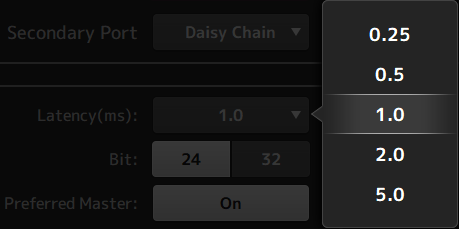
g | Latency selection button For selecting the Latency of Dante.
|
h | Dante Domain Manager field Displays the status of Dante Domain Manager (DDM). This will be displayed if there is a DDM server on the network or if the DM3 series is participating in a domain. Touch this to display the DANTE DOMAIN MANAGER screen. State Displays the state of domain participation.
Local Displays the status of the Dante settings (including Dante patches) of the DM3 series.
User Displays the user name when logged in to DDM.
|
i | Dante Patch button Touch this to display the DANTE PATCH screen. |
j | STATUS indicators
|
- The default setting for Preferred Leader is On. When a device that is always running has only Preferred Leader turned ON with the Dante Controller, (and all other are OFF), you can explicitly specify the leader.
- Preferred Leader settings cannot be changed when enrolled in a Dante Domain Manager (DDM) domain. Also, when Device Lock is applied by Dante Controller, and when Local in the Dante Domain Manager (DDM) field is set to Read Only, the Unit ID, Secondary Port, Latency, Bit, and Preferred Leader settings cannot be changed.
- When enrolled in a Dante Domain Manager (DDM) domain, if you do not log in to DDM, the DANTE PATCH screen cannot be opened. Additionally, if the subnets of the For Device Control IP address on the NETWORK screen and the IP address displayed in Dante Controller are different, the DANTE PATCH screen cannot be opened.
 DM3 Series