


CH VIEW screen
The CH VIEW screen provides an overview of all the settings for a channel.
You can change settings using this screen, in addition to the corresponding feature's configuration screen.
Items displayed on this screen vary depending on the type of channel selected.
CH VIEW screen menu
Swipe left on the menu swipe indicator on the right of the CH VIEW screen to open the following menu.

a | CH Copy Copies the settings of the selected channel. |
b | CH Paste Pastes the copied channel settings to the selected channel. |
c | CH Default Resets the settings of the current channel to their default values. |
If MIX/MATRIX channel or FX BUS
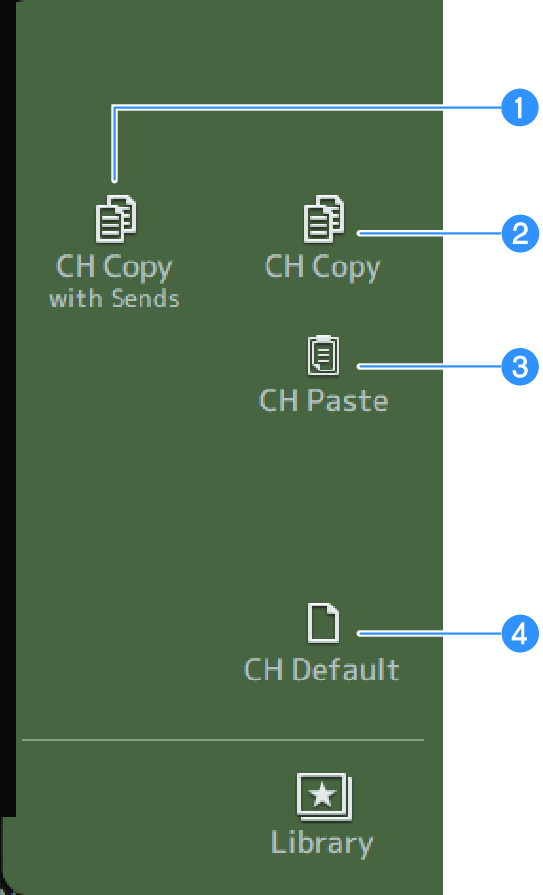
a | CH Copy with Sends Copies selected channel settings, including sends. |
b | CH Copy Copies the settings of the selected channel. |
c | CH Paste Pastes the copied channel settings to the selected channel. |
d | CH Default Resets the settings of the current channel to their default values. |
 DM3 Series