


CH LIBRARY Screen
Using libraries allows you to store and recall the EQ or Dynamics settings of the currently-selected channel.
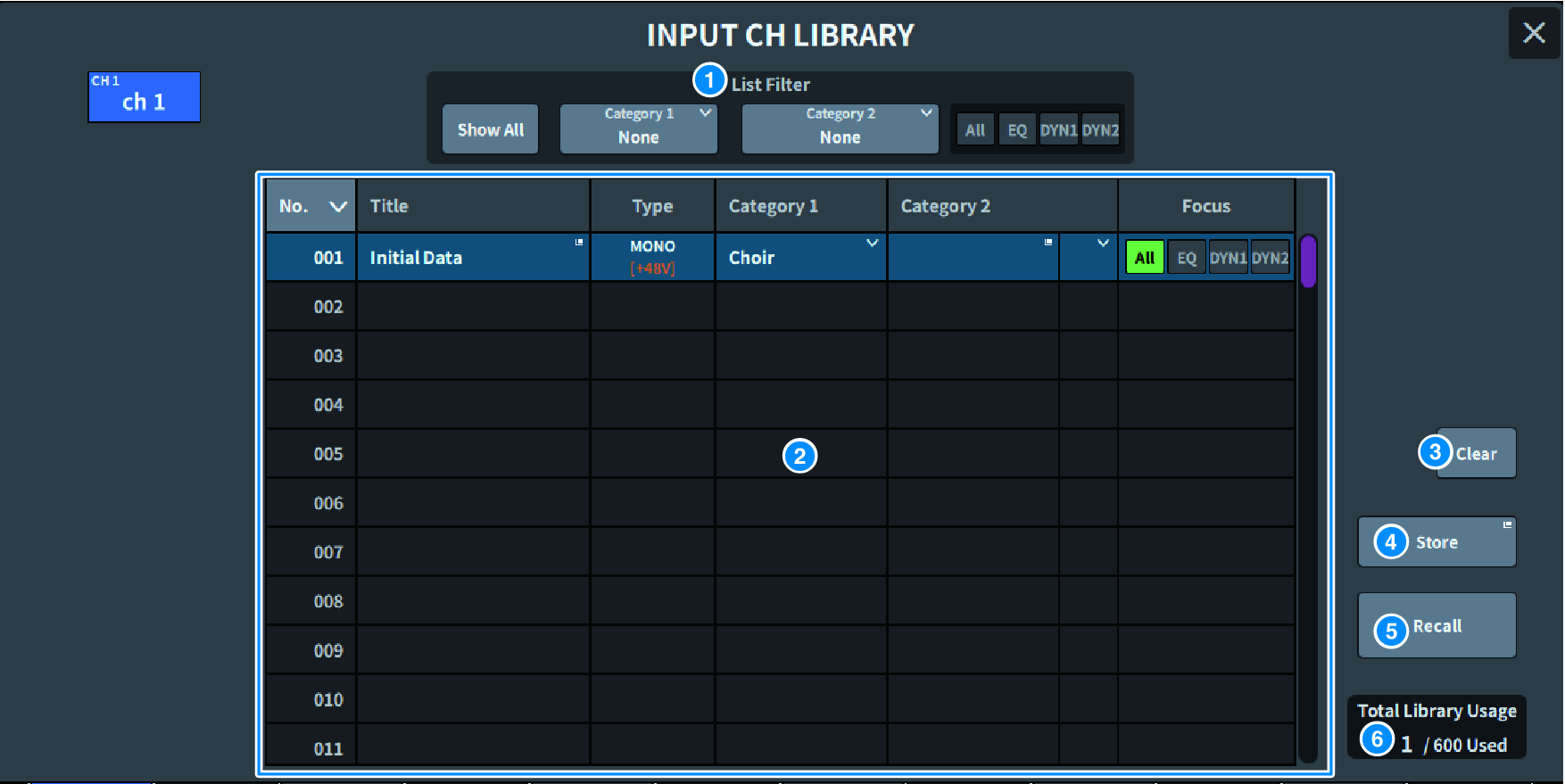
a | List Filter Selectively displays the data from the list. The differentiating elements are Category1, Category2, and Focus. |
b | List Displays the setting data (presets) stored in the library. Colored columns indicate that they have been selected for operation.
|
c | Clear button Clears the setting data of the selected target. |
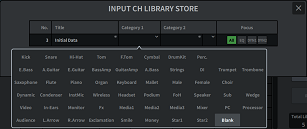
d | Store button Stores EQ, dynamics, and other settings for the currently selected channel. |
e | Recall button Recalls the setting data of the selected item. |
f | Total Library Usage Up to 600 user presets can be stored in all libraries collectively. |
 DM7 Series