


USER DEFINED KNOBS screen
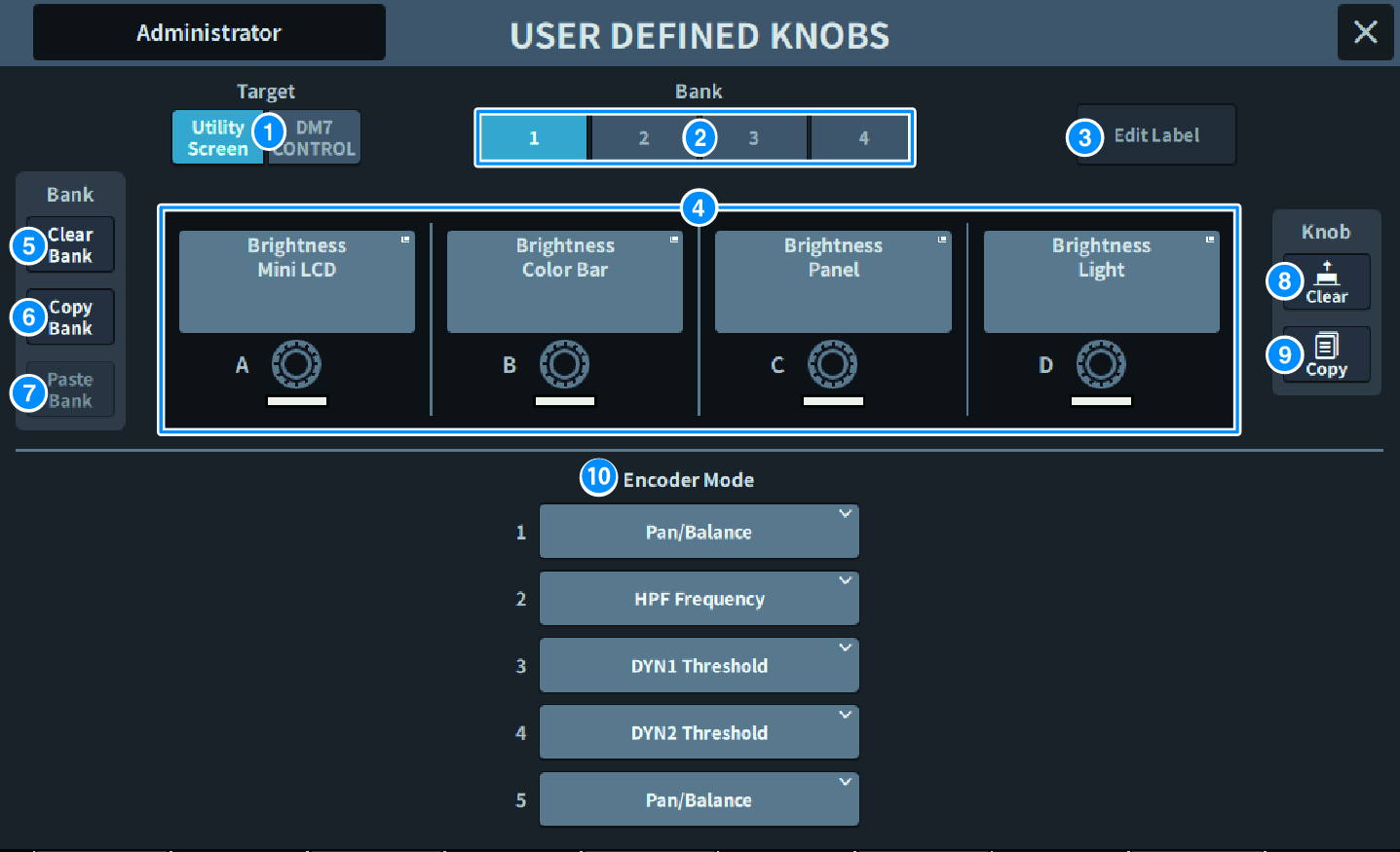
This screen contains the following items.
a | Target button Select the USER DEFINED knob to be set from the Utility screen or DM7 Control. |
b | Bank 1–4 tabs Allows you to switch between the banks ([1]/[2]/[3]/[4]) for the USER DEFINED knobs. |
c | Edit Label button Press this button to enter edit mode, which allows you to set the title and color. Press it again to return to normal mode. |
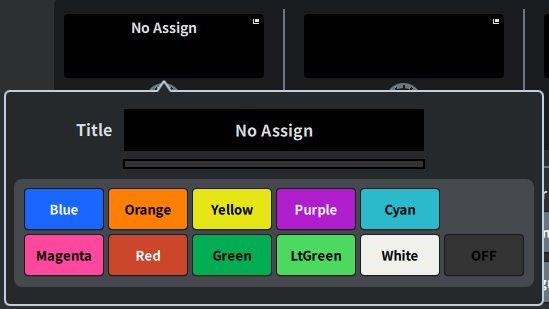
d | USER DEFINED KNOBS A–D These buttons correspond to the USER DEFINED knobs [A] to [D] on the panel. Press to display the USER DEFINED KNOB screen for assigning functions. If nothing is assigned to the button, "No Assign" is displayed. |
e | Clear Bank button Press this button to display a confirmation message. Press OK to clear all current Banks. |
f | Copy Bank button Press this button to copy the current Bank. |
g | Paste Bank button Press this button to display a confirmation message. Press OK to paste the copied Bank settings. |
h | Clear button Press this button to enter clear mode. Select the knob you want to clear and press the Clear button. |
i | Copy button Press to enter copy mode. Select the knob you want to copy. However, this will not copy the Short Name or Color between the Utility screen and the DM7 control. |
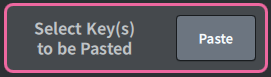
Paste button Press this button to enter paste mode. Press the knob you want to paste to select it. (Multiple selections are allowed) |
j | Bay Encode Mode Use the screen encoders to select the function you want to assign. You can assign the following functions.
|
 DM7 Series