


SURROUND SETUP screen
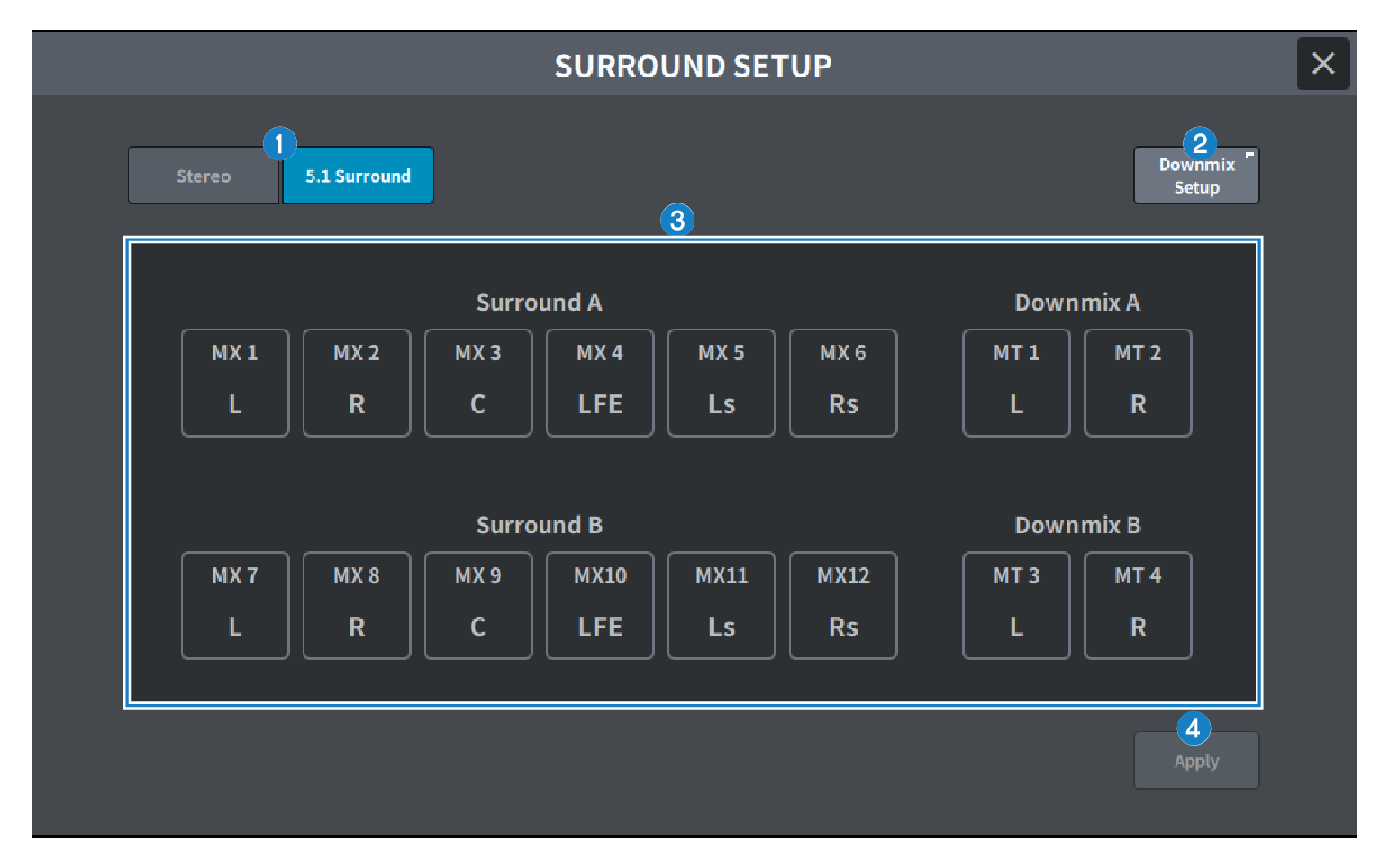
a | Mixing mode select buttons Switches between Stereo mode and 5.1 Surround mode. |
b | Downmix Setup buttons Press to open the DOWNMIX SETUP screen. |
c | Surround bus setting display Displays the Surround bus settings.
|
d | Apply button Press to switch to the selected mode. |
 DM7 Series