


CH LINK screen
Sets the function to link parameters such as fader operation and EQ for input channels or output channels.
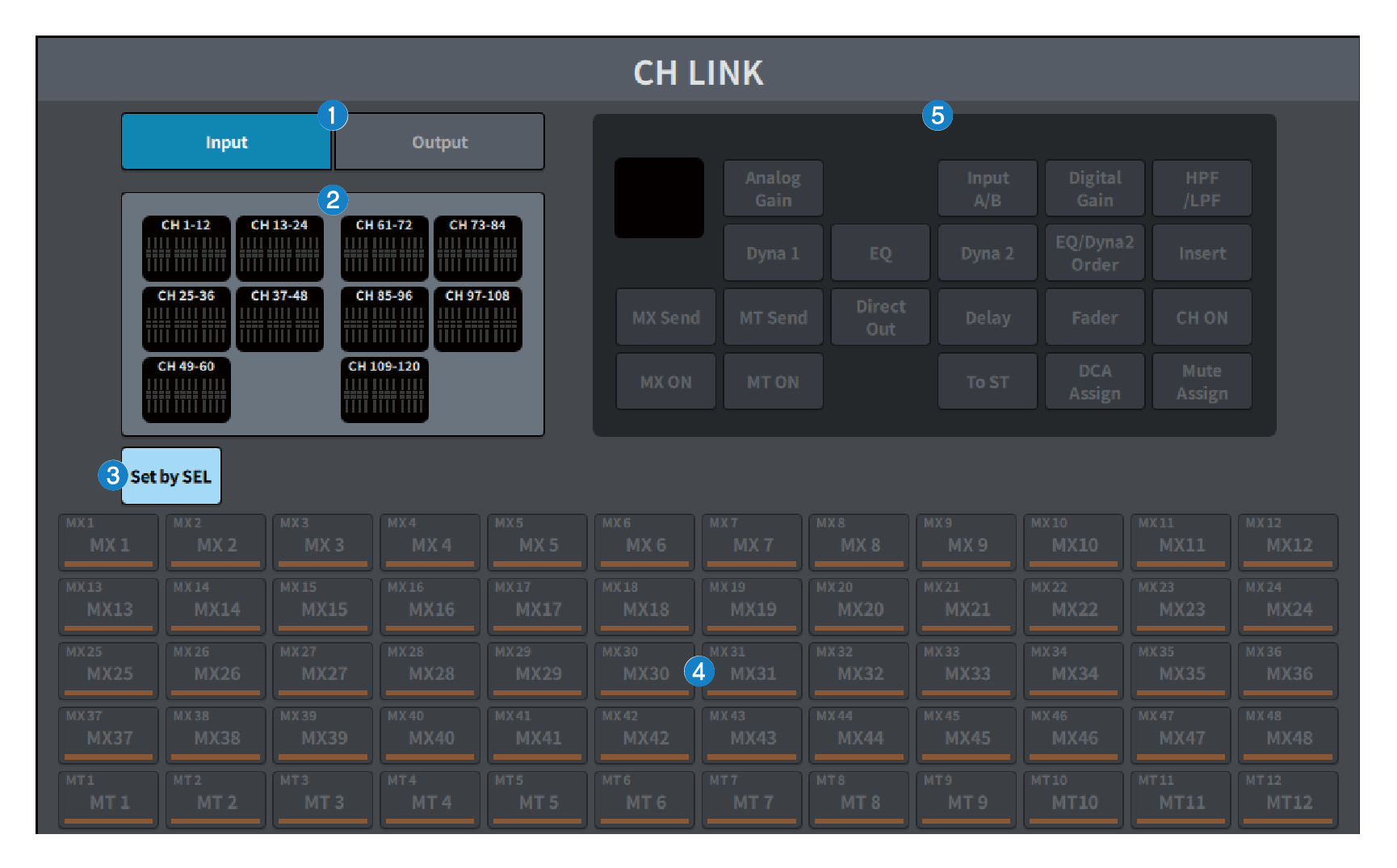
a | Input/Output buttons These buttons switch between the input channel screen and output channel screen. |
b | CH LINK display field This displays the channels registered to the currently selected CH LINK. Press this to display the CH LINK SET screen. |
c | Set by SEL button When this button is on, you can add a channel by using the corresponding [SEL] key. |
d | Channel select button Selects the target bus when the MX ON, MX Send, MT ON, and MT Send buttons are turned on in the linked parameters. |
e | Parameter select button Selects the parameters to link. |
 DM7 Series