


Listening to the radio
You can use this product’s built-in tuner to listen to the radio.
- Press the TUNER key to switch the input source to “TUNER”.
- The currently selected frequency is shown on the front display.

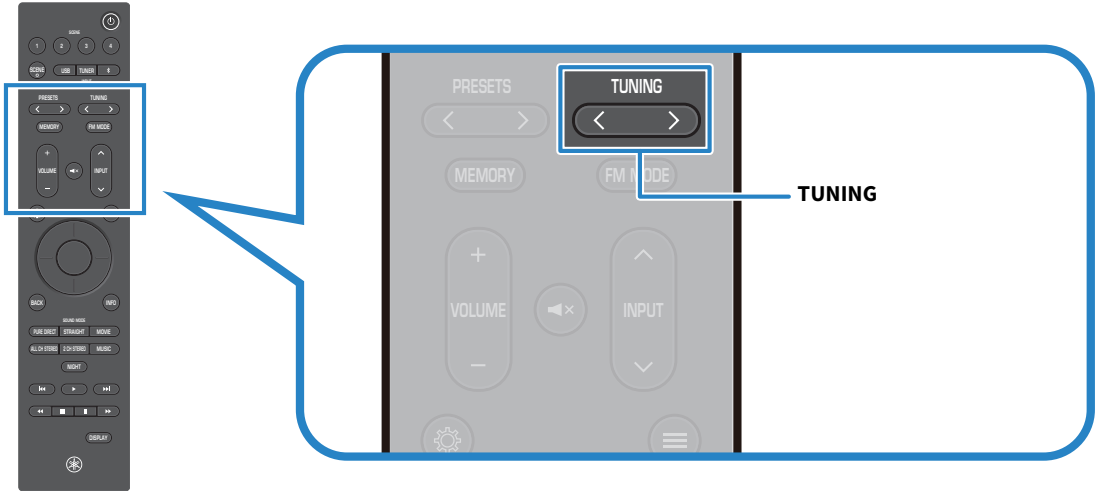
- Press the TUNING key repeatedly to change the frequency.
- Holding the key for approximately one second starts automatic tuning.
NOTE
- You can enjoy video from an external device while listening to the radio. For details, refer to the following related links.
- To select a registered radio station, press the PRESETS key. For details on how to register radio stations, refer to the following related links.
 RX300A