


Playback of music using Bluetooth® speakers/headphones
You can enjoy audio played back on the unit using Bluetooth speakers/headphones.
Be sure to connect the Bluetooth speakers/headphones whose volume is adjustable. You cannot adjust the volume of the Bluetooth speakers/headphones from the unit.
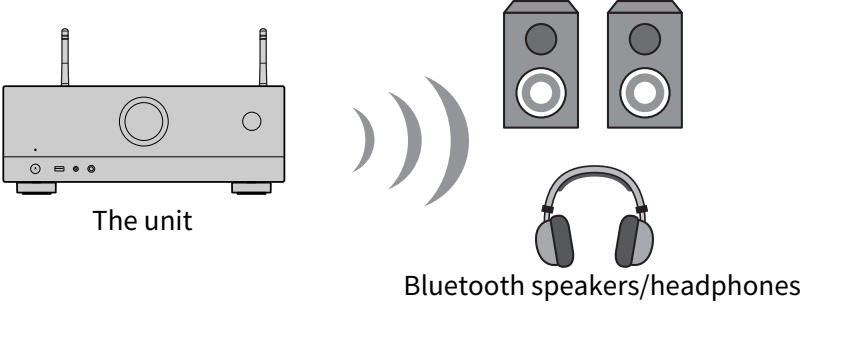
- Select an input source other than “Bluetooth”.
- Press SETUP.
- Set “Transmitter” in “Bluetooth” in the “Setup” menu to “On”.
- Select the Bluetooth speakers/headphones in “Device Search” in the “Setup” menu.
- When the connection process finishes, “Completed” appears and audio played back on the unit will be reproduced from the Bluetooth speakers/headphones.
NOTE
- Use the Bluetooth speakers/headphones to adjust their volume.
- Sounds will be also output from the speakers connected to the unit.
- AirPlay and DSD audio cannot be delivered.
- You cannot use the Bluetooth audio transmitter function and the Bluetooth audio receiver function at the same time.
- If the desired Bluetooth device is not displayed on the list, set the Bluetooth device to the pairing mode and then perform “Device Search” operation again.
- To terminate the Bluetooth connection, perform one of the following operations.
- Perform the disconnect operation on the Bluetooth speakers/headphones.
- Set “Transmitter” in “Bluetooth” in the “Setup” menu to “Off”.
- The Bluetooth indicator on the front display lights up while the unit is connected to a Bluetooth device.

- When connected to a Bluetooth device that does not support copyright protection technology (SCMST), some content may not be played back.
 RX-V4A