


使用 Bluetooth® 音箱/耳机播放音乐
还可以在本机上使用Bluetooth音箱/耳机欣赏播放的音频。
确保连接音量可调的 Bluetooth 音箱/耳机。无法从本机调节 Bluetooth 音箱/耳机的音量。
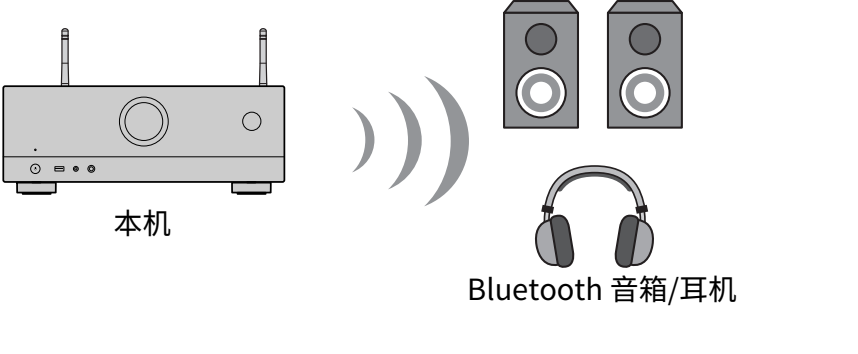
- 选择“Bluetooth”之外的输入源。
- 按 SETUP。
- 在“设定”菜单中,将“Bluetooth”中的“发射器”设置为“开”。
- 在“设定”菜单的“设备搜索”中选择 Bluetooth 音箱/耳机。
- 连接过程完成时,出现“设定完成”,并从Bluetooth音箱/耳机中再现本机中播放的音频。
注
- 请使用 Bluetooth 音箱/耳机调节音量。
- 还可以从连接至本机的音箱输出声音。
- 无法传输AirPlay和DSD音频。
- 无法同时使用Bluetooth音频发射器功能和Bluetooth音频接收机功能。
- 如果所需的Bluetooth装置未显示在列表中,将Bluetooth装置设为配对模式,然后再次进行“设备搜索”。
- 若要终止 Bluetooth 连接,请执行以下任一操作。
- 在 Bluetooth 音箱/耳机上执行断开操作。
- 在“设定”菜单中,将“Bluetooth”中的“发射器”设置为“关”。
- 将本机连接至 Bluetooth 装置时,前面板显示屏上的 Bluetooth 指示灯点亮。

- 当连接到不支持版权保护技术(SCMS-T)的 Bluetooth 设备时,可能会不播放某些内容。
 RX-V6A