


Preparation
Install the sound bar and connect a TV to it.
- Install the sound bar.
- Installation procedure
- Connect a TV to the sound bar.
- Depending on the type of TV, connect the TV to the sound bar as follows:
- Connecting the TV using only the supplied digital optical audio cable

Connection procedure
- TV equipped with an HDMI jack labeled as “ARC”
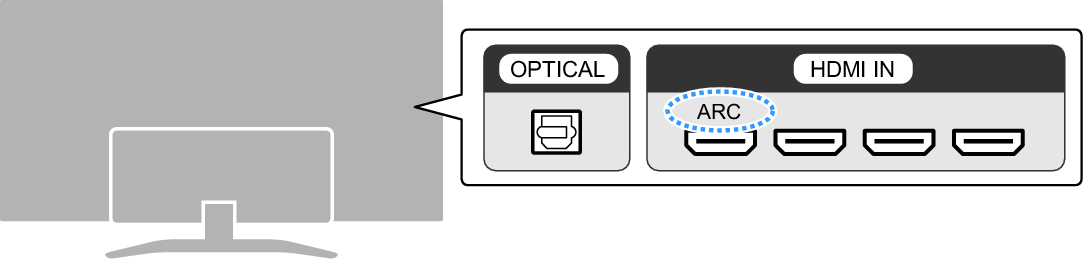
Connection procedure
- TV not equipped with an HDMI jack labeled as “ARC”
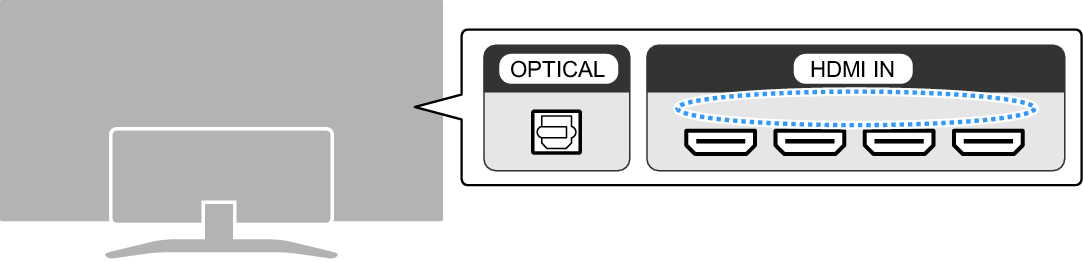
Connection procedure
- Connect an audio device (if required).
- Connection procedure
“Connecting an audio device”
- Prepare the remote control.
- Turn on the sound bar.
NOTE
- Connect AV devices (such as BD/DVD players and set top boxes) to the TV’s HDMI input jacks.
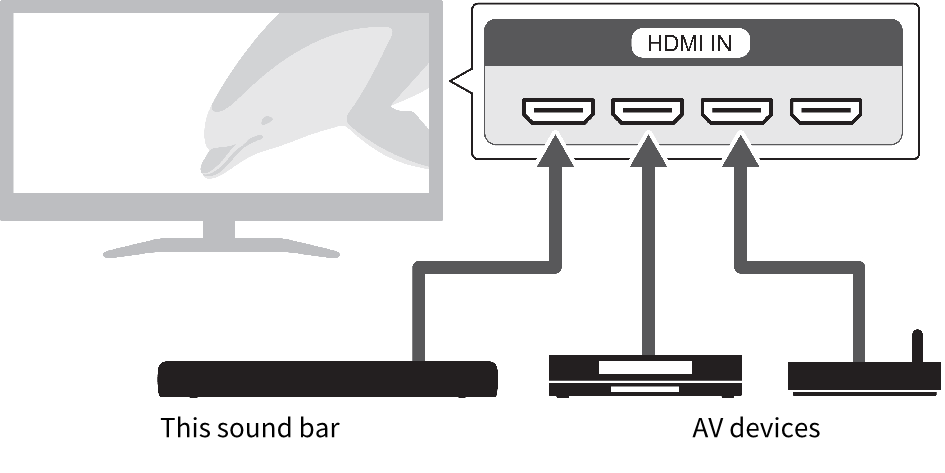
- When playing audio from a TV or AV device via the sound bar, set the input sources as follows:
- Sound bar’s input source: TV
- TV’s input source: AV device playing the content
- ARC (Audio Return Channel) is a function that sends audio signals from the TV’s HDMI output jack.
 SR-C20A