


Playing back music on this product
You can operate this product using the function keys during playback as follows.
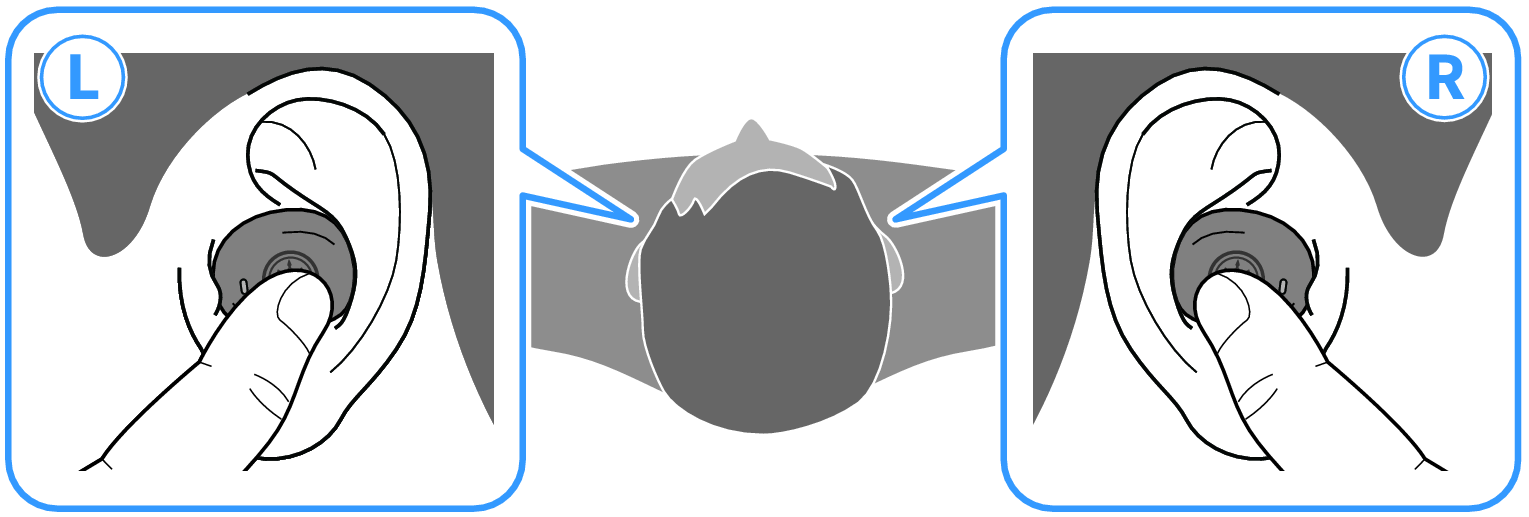
Volume controls
- Turn the volume up
- Press the function key on earphone (R) two times in a row.
- Turn the volume down
- Press the function key on earphone (L) two times in a row.
Playing back music
- Pause/play
- Press the function key on earphone (L) or (R).
- Skip to the next song
- Hold down the function key on earphone (R) until you hear a “beep” sound (about two seconds).
- Take your finger off the key once you hear the beeping sound.
- Go back to the beginning of the song (while in the middle of the song), or back to the previous song (when at the beginning of a song)
- Hold down the function key on earphone (L) until you hear a “beep” sound (about two seconds).
- Take your finger off the key once you hear the beeping sound.
- The operation may differ, depending on the Bluetooth device or app you use.
NOTE
- When connecting to a device (such as a smartphone) on which the volume can be adjusted, you can also adjust the volume using that device.
- To select a song for playback, operate the connected device.
 TW-E3B