


收聽來自 Bluetooth® 裝置的音訊
可以透過條形音箱播放來自Bluetooth裝置的音訊內容。
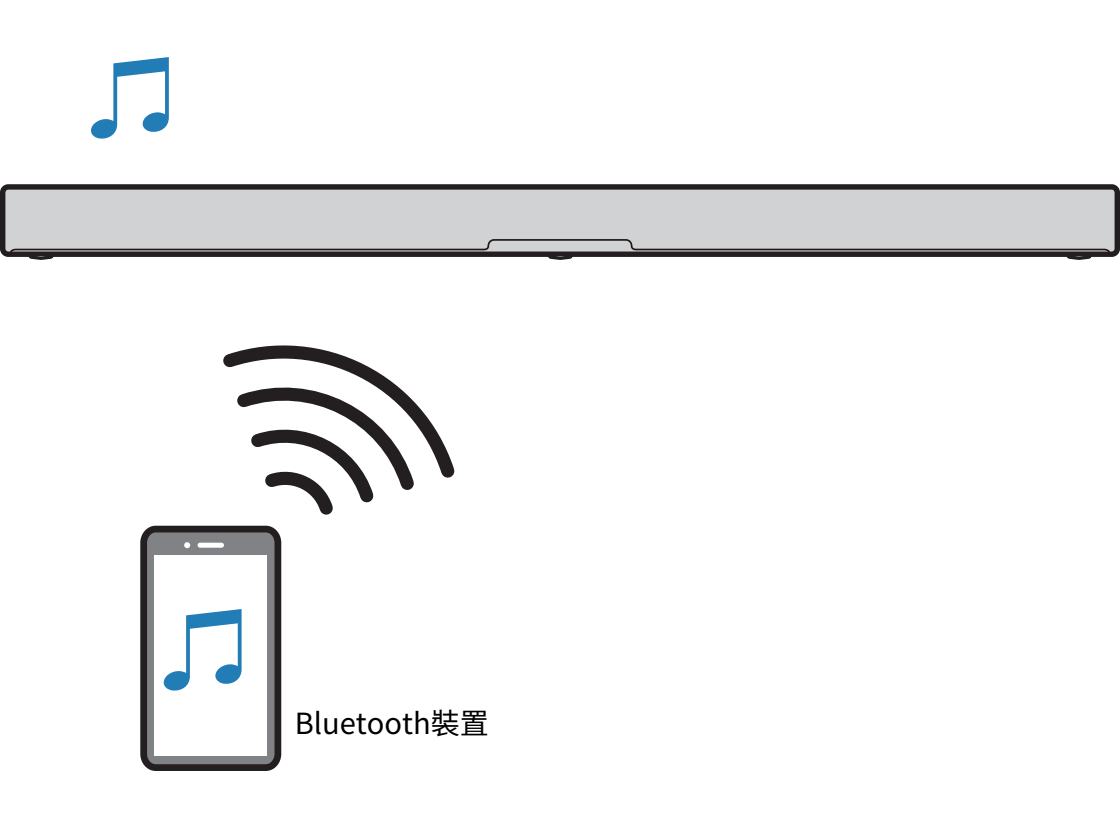
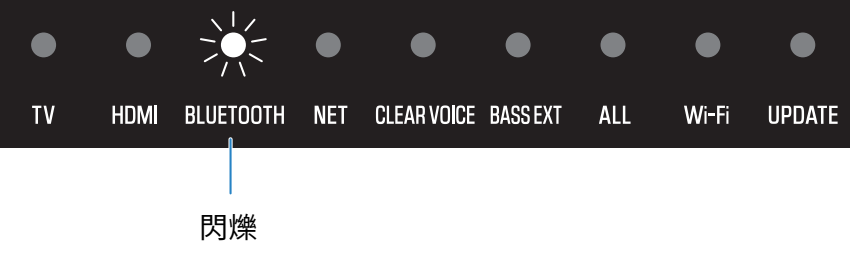
- 按遙控器上的 BLUETOOTH 可將條形音箱的輸入源切換為 Bluetooth。

- 條形音箱進入連接等待狀態,並且 BLUETOOTH 指示燈閃爍。
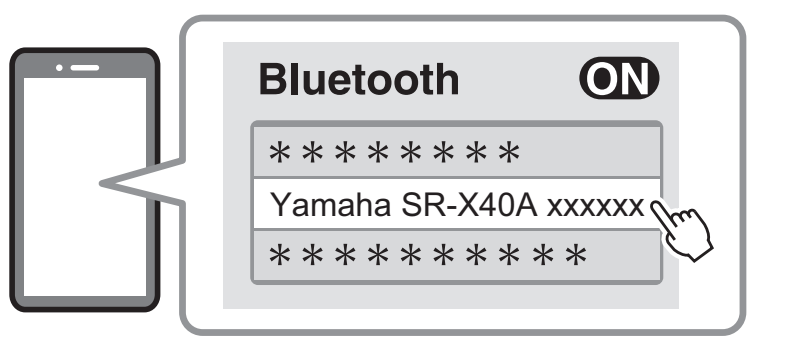
- 在Bluetooth裝置上,啟用Bluetooth功能。
- 選擇Bluetooth裝置上的條形音箱。
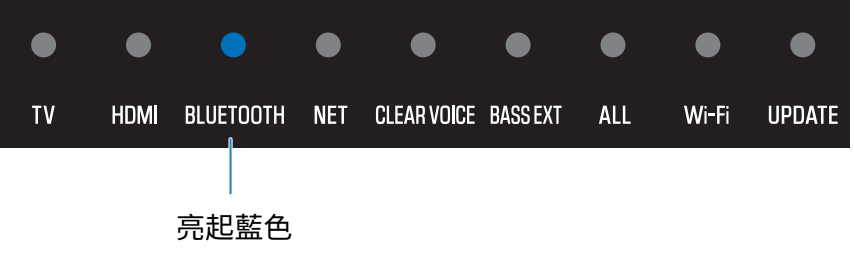
- 建立連接後,條形音箱上的 BLUETOOTH 指示燈停止閃爍並開始亮起藍色。
- 開始在Bluetooth裝置上播放。
- 條形音箱將開始播放來自Bluetooth裝置的音訊。

註
- 啟用網路待機功能可讓條形音箱在 Bluetooth 裝置連接到條形音箱時自動開啟。
- 如果之前已連接過其他Bluetooth裝置,則當輸入源切換到Bluetooth時,條形音箱將連接到上次連接的裝置。
- 如果執行以下操作之一,Bluetooth連接會被終止。
- Bluetooth 裝置的 Bluetooth 功能關閉。
- 按住條形音箱遙控器上的BLUETOOTH 至少五秒。
- 在條形音箱上選擇了Bluetooth以外的輸入源。
- 關閉條形音箱。
- 必要時調整Bluetooth裝置的音量電平。
- 無論聲音模式設定如何,來自 Bluetooth 裝置的音訊都會以立體聲播放。
 TRUE X BAR 40A (SR-X40A)