


Connecting to a TV compatible with ARC
- Before connecting devices, be sure to read the following precautions.
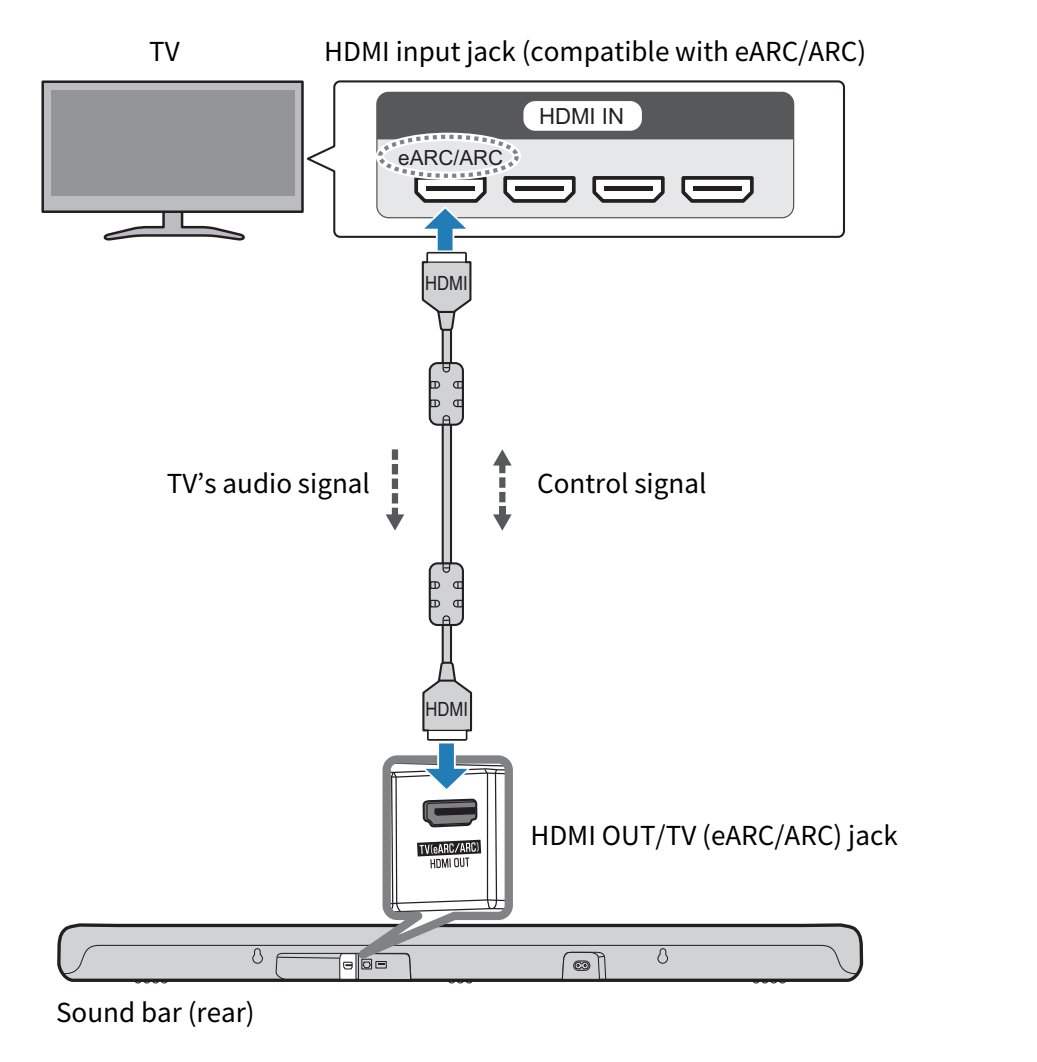
Connect to the TV using the included HDMI cable that is compatible with ARC.
The HDMI cable transmits the TV’s audio signal and the control signal for controlling the sound bar using the TV’s remote control.
- Connect the sound bar to a TV.
- Connect the HDMI cable to the HDMI input jack compatible with Audio Return Channel (labeled as “eARC” or “ARC”) on the TV.
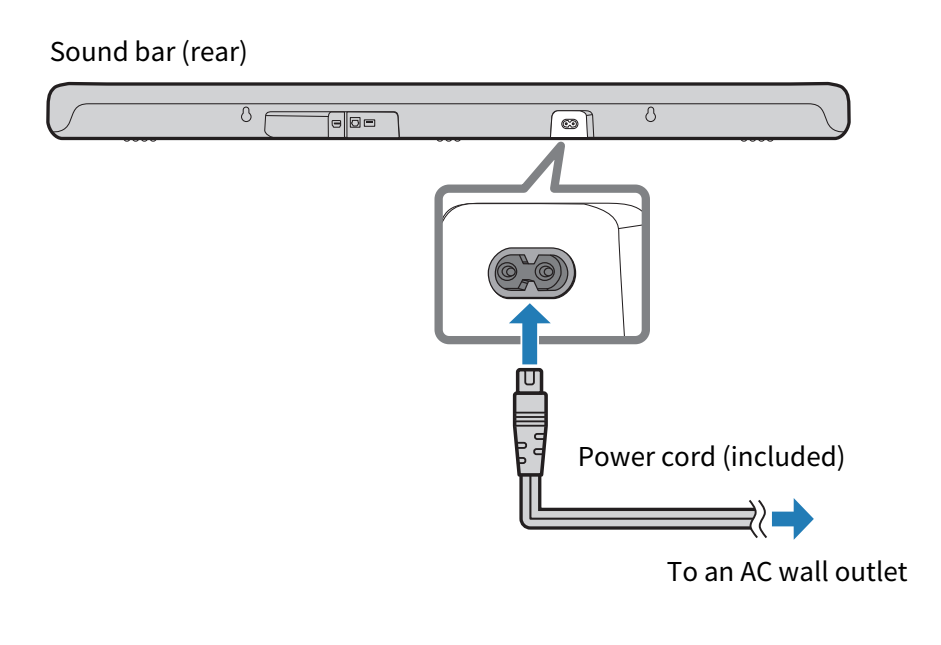
- Connect the sound bar to power.
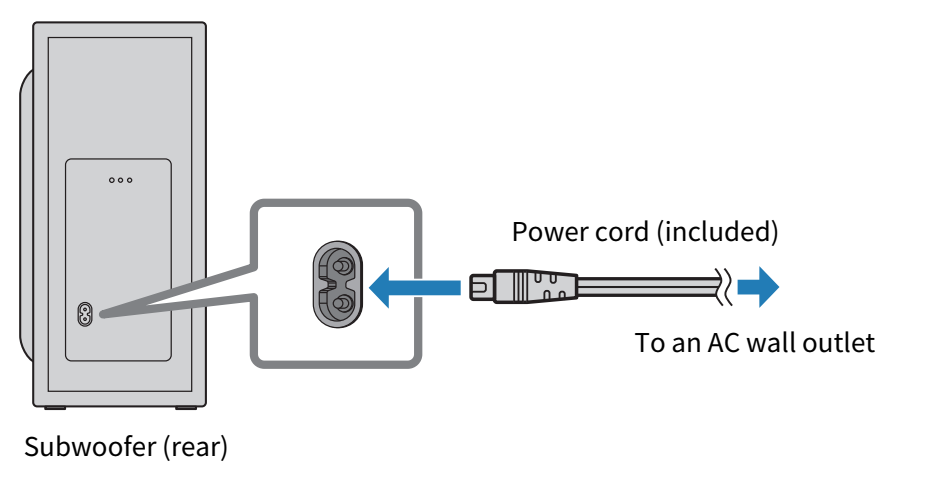
- Connect the subwoofer to power.
NOTE
- eARC is an abbreviation for Enhanced Audio Return Channel. It is an extension of the ARC functionality and is capable of transmitting audio signals via a TV that ARC cannot transmit.
- The HDMI Control function of the sound bar is enabled by default. Disable the HDMI Control function when not using it.
- Connect an AV device (such as a set top box) to the TV.
 SR-B40A