


Custom fader banks and main faders
A set of channels assigned to the top-panel faders is called a “fader bank.” There are input and output channel banks, as well as custom fader banks. Custom fader banks enable you to select various combinations of channels, regardless of channel types. You can also change the setting of the channels that will be controlled by the two main faders.
- Press the SETUP button on the menu bar to access the SETUP screen.
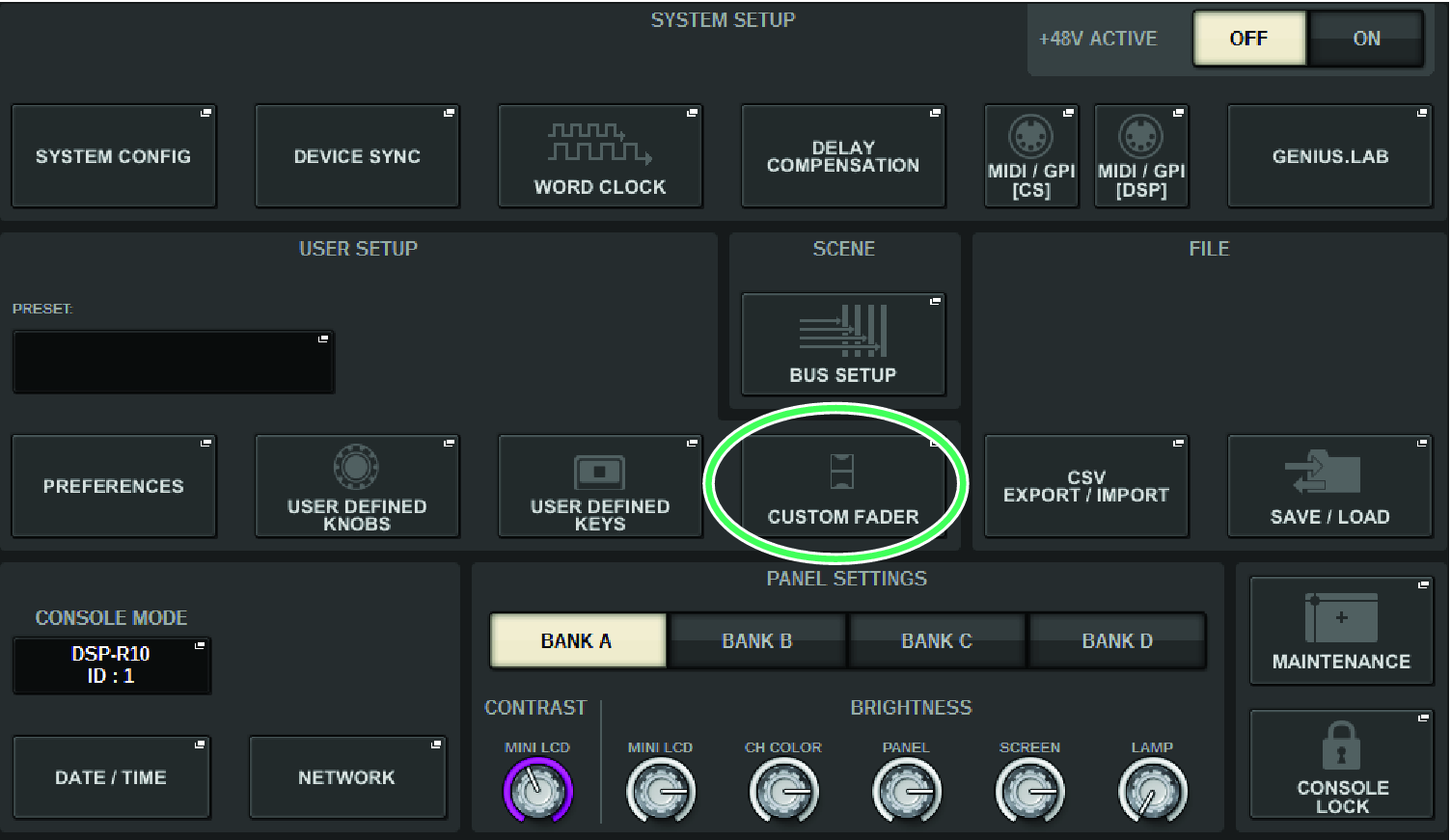
- Press the CUSTOM FADER popup button.
- The CUSTOM FADER BANK popup window appears.
NOTE
- You can also press any custom fader bank key while holding down and pressing the [SHIFT] key to open the corresponding CUSTOM FADER BANK popup window.
- Select the target bay or main fader, and the target bank.
- Press the fader select button for the fader you want to set up.
- On the top panel, press the [SEL] key of the channel that you want to assign to that fader.
- The name of the selected channel will appear on the channel select popup button.
- To assign channels to other faders, repeat steps 4 and 5.
- If necessary, select channels by pressing the channel select popup buttons.
- CH SELECT popup window
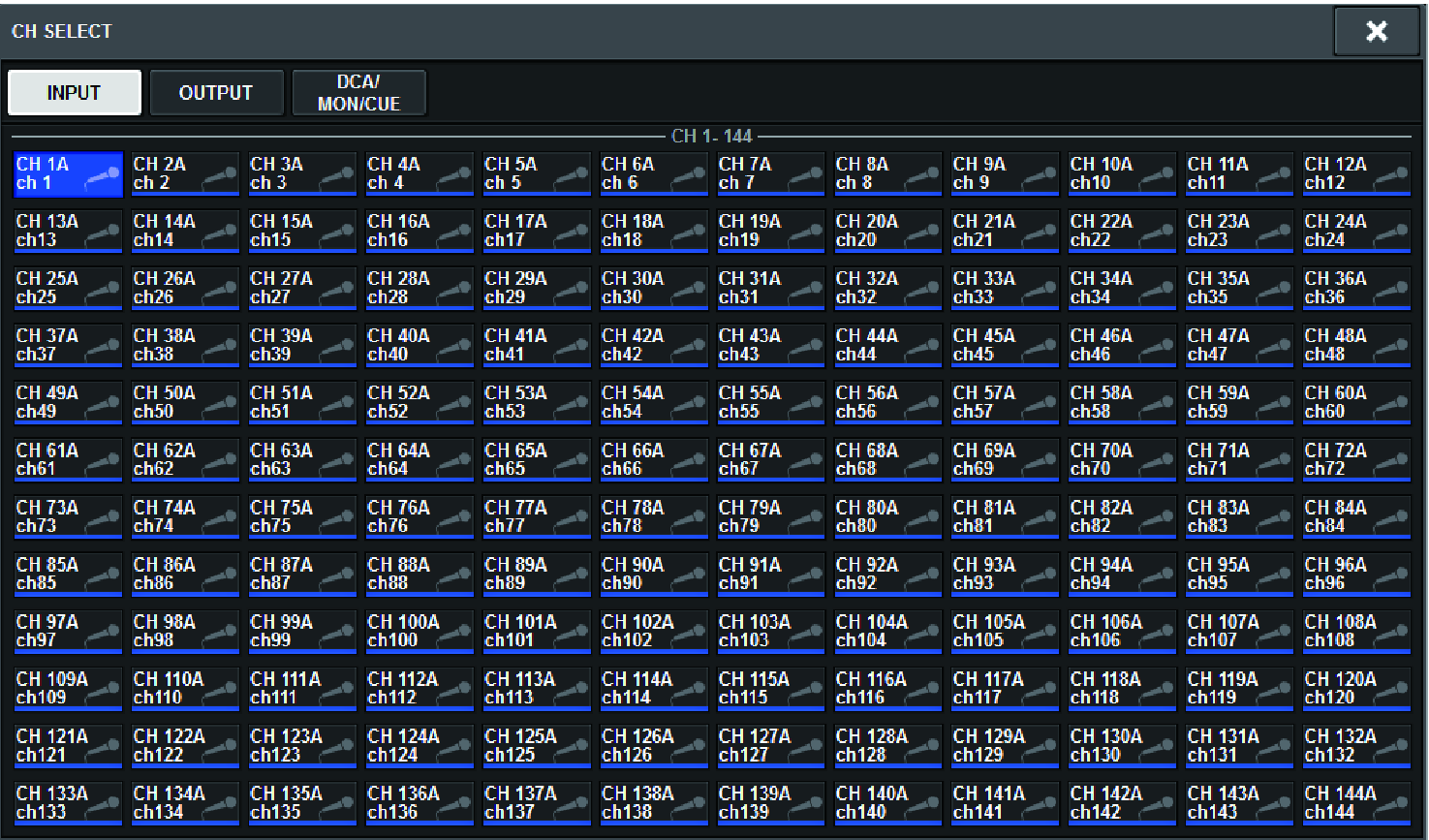
- From the list, select desired channels.
- When you finish selecting the channels, press the CLOSE button.
 RIVAGE PM Series