


Routing a signal to the STEREO bus
Follow the steps below to route the input channel signals to the STEREO bus.
- In the channel strip section on the top panel, press the [SEL] key for the target input channel.

- Make sure that the TO ST [A] key in the Selected Channel section is turned on.
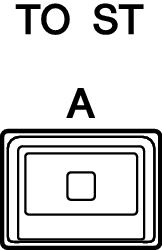
- If the TO ST [A] key is turned off (its LED is off), press the key to turn it on (the LED lights up).
- Make sure that the [ON] key for the target input channel is turned on.

- If the [ON] key is turned off (its LED is off), press the key to turn it on (the LED lights up).
- Make sure that the [ON] key for the STEREO A channel on the top panel is turned on.
- Raise the main fader for the STEREO A channel up to 0 dB.
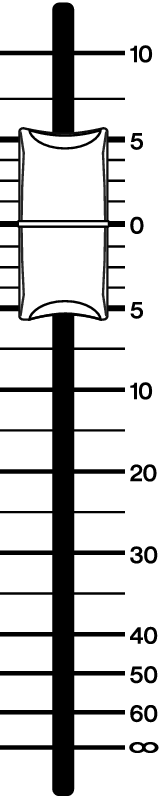
- Raise the input channel fader to the appropriate volume level.
- At this point, you should be able to hear sound from the speaker system (that is patched to the STEREO A channel). If no sound is heard, check to see whether the meters are moving in the METER screen.

- If the input meters are not moving
- Make sure that signals are being input correctly to the patched input channels.
- If the meters are moving but no sound is heard
- The output ports (to which the speaker system is connected) might not be patched correctly. Check the patching status of the output ports.
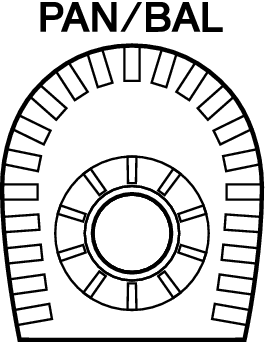
- To adjust the balance of the signal routed from the input channels to the STEREO bus, rotate the [PAN/BAL] knob in the Selected Channel section.
 RIVAGE PM Series