


SYSTEM CONFIG popup window (Offline)
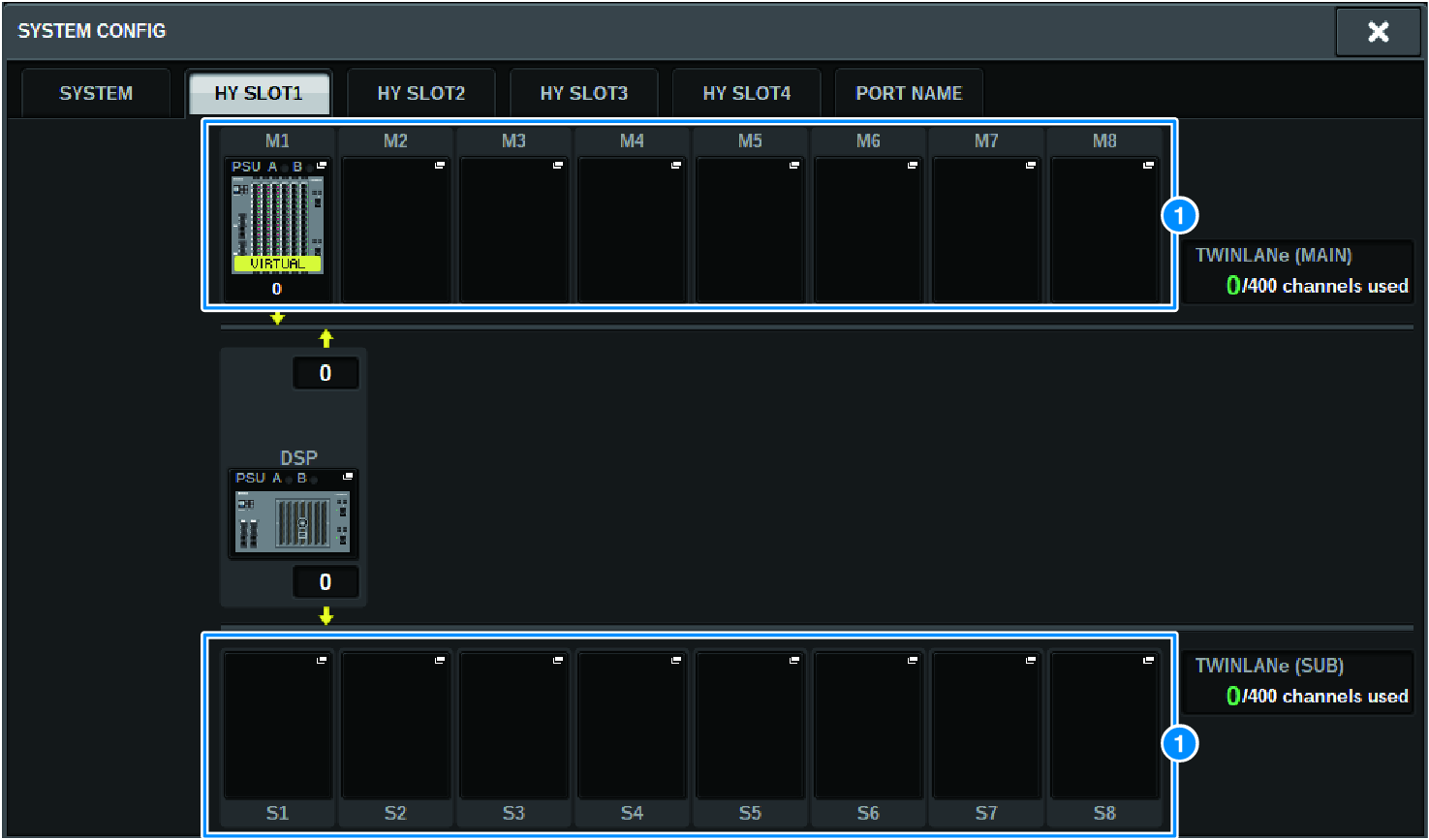
This screen contains the following items.
a | I/O rack select popup buttons (M1–M8, S1–S8) If you press one of these buttons when an I/O rack is not mounted, the I/O SELECT popup window will appear, allowing you to select the I/O rack that you want to use. If you press this button when an I/O rack is already mounted, the I/O rack settings window will appear. Devices being edited offline are indicated as “VIRTUAL” in yellow. |
 RIVAGE PM Series