


GPI page
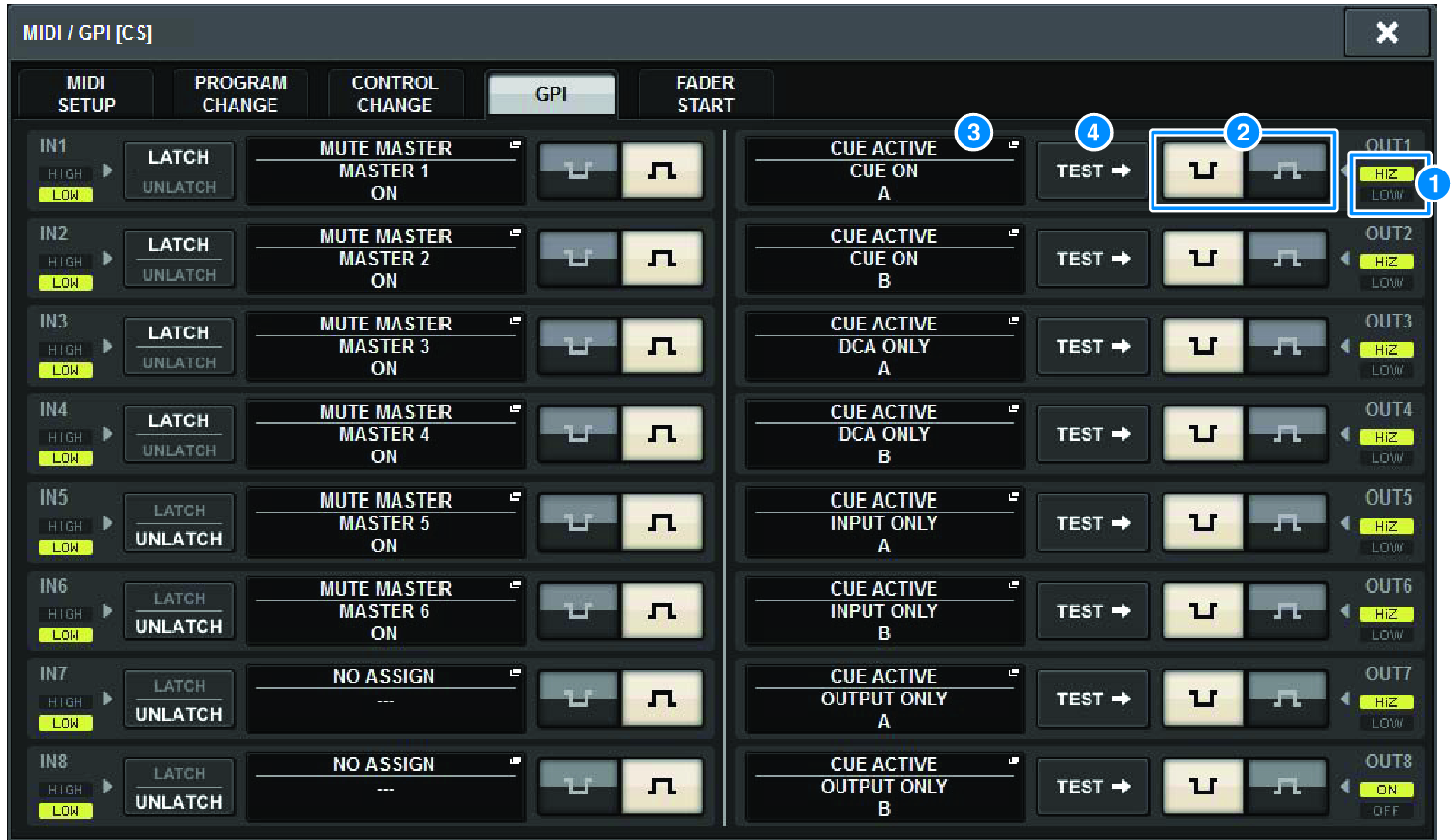
The screen contains the following items.
a | GPI OUT status indicator Indicates the status of the voltage that is being output from each GPI OUT port. |
b | POLARITY MODE select button Enables you to select the polarity of the GPI OUT port.
|
 ...............(Low active) Grounded when the GPI OUT port is active.
 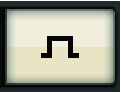 ...............(High active) Open when the GPI OUT port is active.
c | GPI SETUP popup button Press this button to access the GPI SETUP popup window. The button shows the name of the currently-selected function or parameter. |
d | TEST button While this button is on, the corresponding GPI OUT port will become active and output a control signal. |
 RIVAGE PM Series