


Assigning the Unit ID
You need to assign a unique Unit ID to each device so that the system will recognize the connected devices. You can view the Unit ID on the LCD screen of each device.
Assigning the Unit ID to the DSP engine and I/O rack
- Turn on the power (A and B) to the DSP engine and I/O rack to which you want to assign the Unit ID.
- The Unit ID number will appear. I/O rack: M1 - 8, S1 - 8
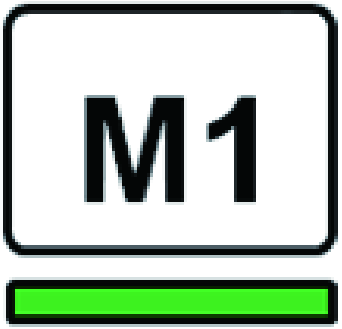
- DSP engine: 1 - 4 (1A/1B - 4A/4B)

- Press the [MENU] key.
- The menu screen will appear.
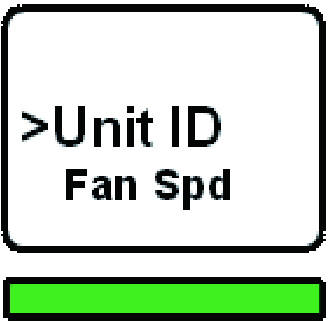
- Press the [▲]/[▼] keys to move the cursor to “Unit ID.”
- Press the [ENTER] key.
- The Unit ID setup screen appears.
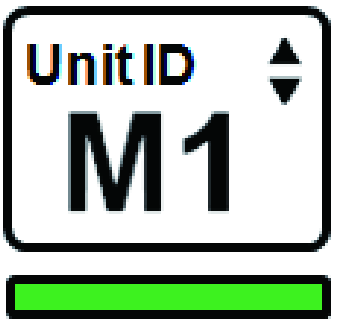
- Press the [▲]/[▼] keys to select the desired Unit ID number.
- Press the [ENTER] key to confirm the selected Unit ID number.
- If you press the [MENU] key before the Unit ID setting is confirmed, the initial screen will be displayed.
- The device will display the “setup complete” screen and automatically restart.

- Assign the Unit ID for other devices in the same manner.
- Be sure to set a unique Unit ID number for each device.
- After you complete the settings, turn the power off.
 RIVAGE PM Series