


Turning on the power to the system
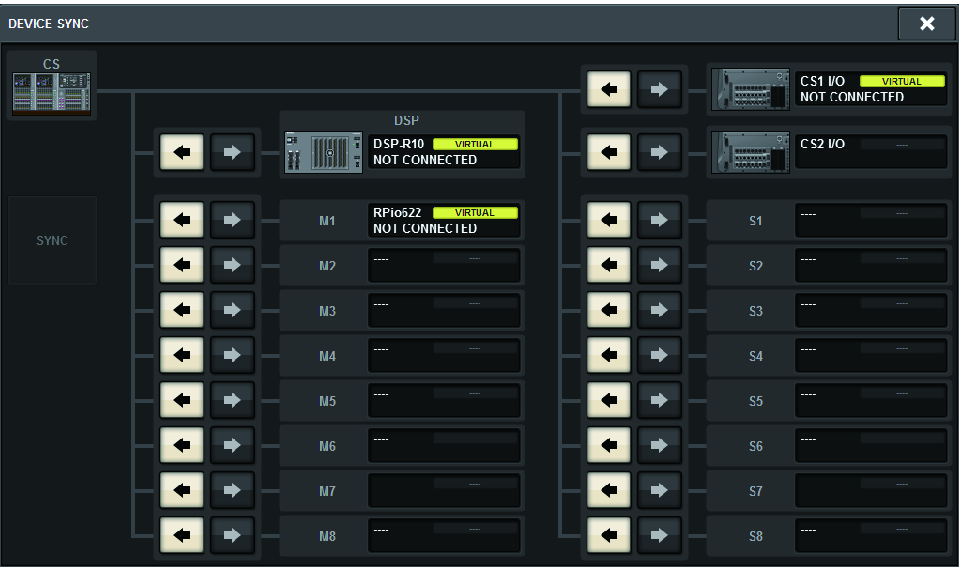
After the Unit ID setting and connections are complete, turn on the power to all connected devices. Once the control surface starts, information on the connected devices will automatically be collected and all devices will synchronize. A popup window will appear. Select the direction of the data synchronization (Engine -> Console; or Console -> Engine), and then press the SYNC button.
 RIVAGE PM Series