


TWINLANe CONFIGURATION popup window
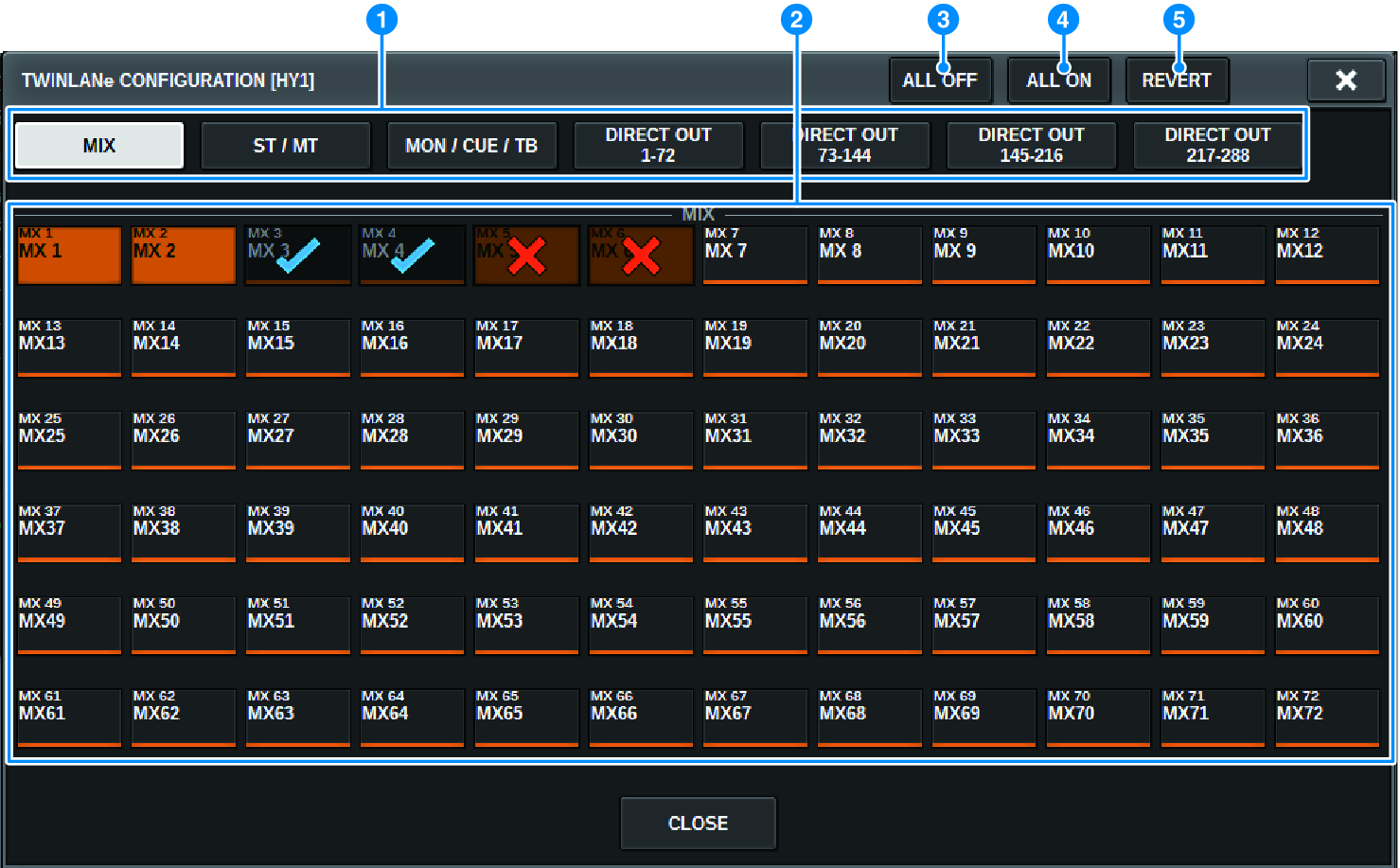
This screen contains the following items.
a | Tabs Switch between MIX OUT, ST/MT/MON/CUE/TB, DIRECT OUT 1-72, and DIRECT OUT 73-144. |
b | Channel select buttons Select the channel to edit. The select button will change as follows. | |
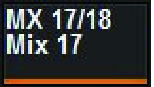
| Currently not assigned to the TWINLANe network | |
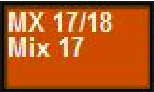
| Currently assigned to the TWINLANe network | |
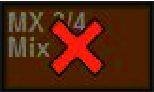
| Currently assigned to the TWINLANe network, and selected for cancellation. | |
| Currently not assigned to the TWINLANe network, and selected for assignment. | |
c | ALL OFF button Press this button to cancel all channels assigned to the TWINLANe network collectively. |
d | ALL ON button Press this button to select and assign all channels that have not been assigned to the TWINLANe network collectively. |
e | REVERT button Press this button to revert the selections for cancellation and assignments to their original status collectively. |
 RIVAGE PM Series