


Setting or defeating pairing on the SELECTED CHANNEL VIEW screen
This section describes how to set up or defeat pairing on the SELECTED CHANNEL VIEW screen.
- Press the [VIEW] key to access the SELECTED CHANNEL VIEW screen.
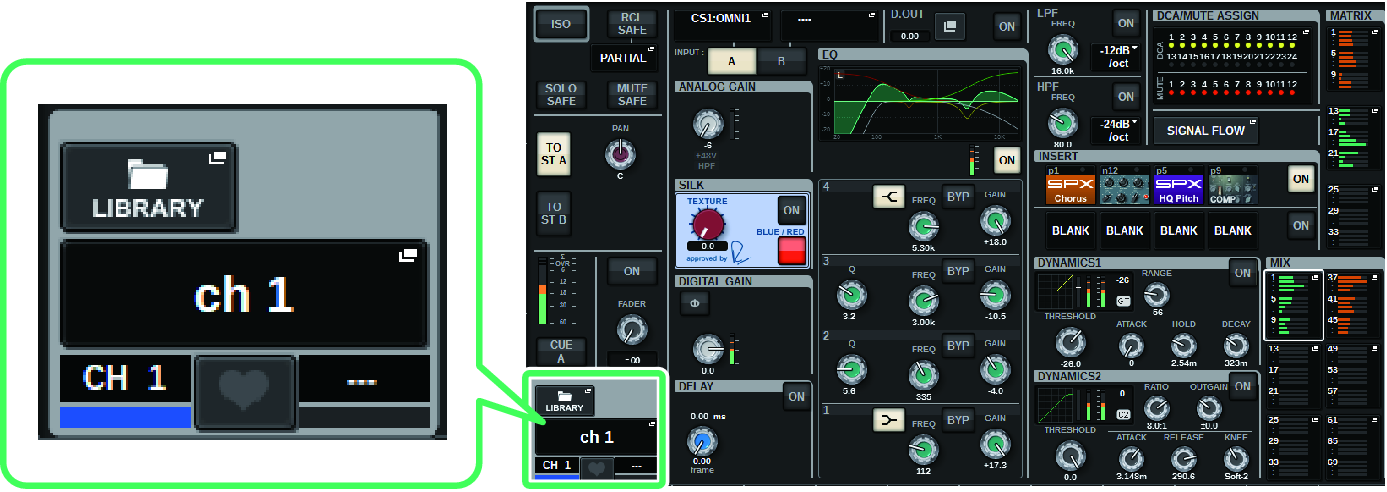
- Press the pair
 button to access the CHANNEL PAIRING popup window.
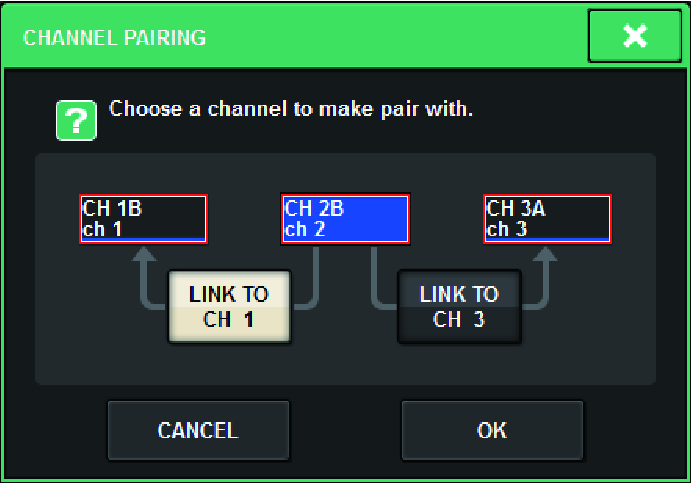
- Select the channel pairing direction, and then press the OK button.
- To defeat pairing, press the pair button once again.
- A window will be displayed, asking you to confirm that you want to defeat pairing.
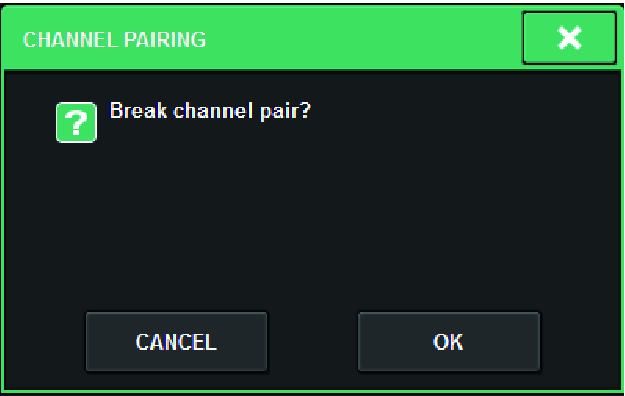
- Press the OK button.
- The pairing setting will be defeated.
 RIVAGE PM Series