


Assigning channels to mute groups
This explains how to configure a mute group, which switches mute ON/OFF for multiples channels as a group.
- Touch the Mute Group button on the SETUP screen to open the MUTE GROUP ASSIGN screen.
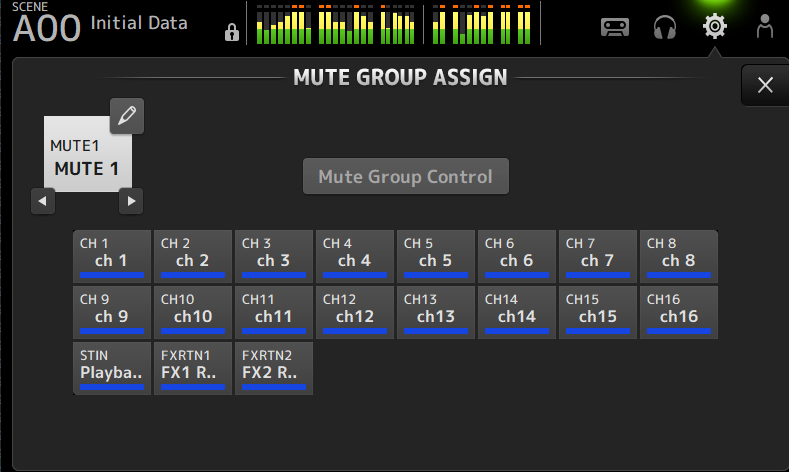
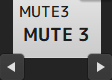
- Touch the left/right buttons for the mute group name to display the mute group to be created.
- Touch the Mute Group Control button to turn it ON.

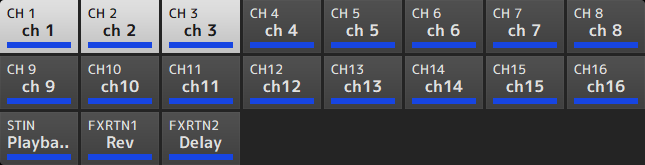
- Touch to select the channels to assign to the mute group.
- If necessary, name the mute group by touching the jump icon of the mute group name.
- Touch the Close button at the top right of the screen to exit.
 DM3 Series