


DELAY screen
The DELAY screen sets the delay for signals outputted from the MIX, MATRIX and STEREO channels, and the delay for signals inputted to the INPUT and ST IN IN channel.

a | DELAY button Turns the DELAY ON/OFF. |
b | LR Link button It links the operation of DELAY ON/OFF and the delay time. If the delay time is set to a different value, the delay time is linked while maintaining the difference. Selected channels are displayed for stereo channels. |
c | DELAY setting text box Delay can be specified by sample, frame, meter, feet or ms. Touch when selected to open the screen for entering numeric values. |
d | DELAY slider Allows you to set the delay time. Delay time can be displayed in units of sample, frame, meter, feet or ms. |
DELAY screen menu
Swipe left on the menu swipe indicator on the right of the DELAY screen to open the following menu.
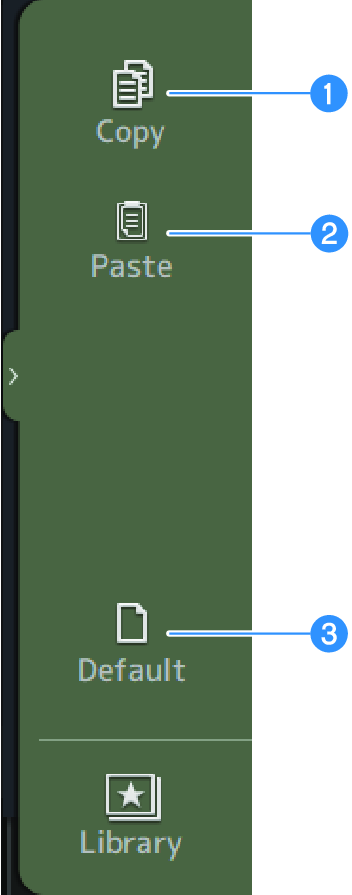
a | Copy Copies the DELAY parameters of the selected channel. |
b | Paste Pastes the copied DELAY parameters to the selected channel. |
c | Default Resets DELAY settings to their default values. |
 DM3 Series