


Checking whether audio is output from the wireless speakers
When the connection is established, play content to check that audio is actually output from the connected wireless speakers.
- Play content on the sound bar.
- Check that audio is being output from the sound bar.
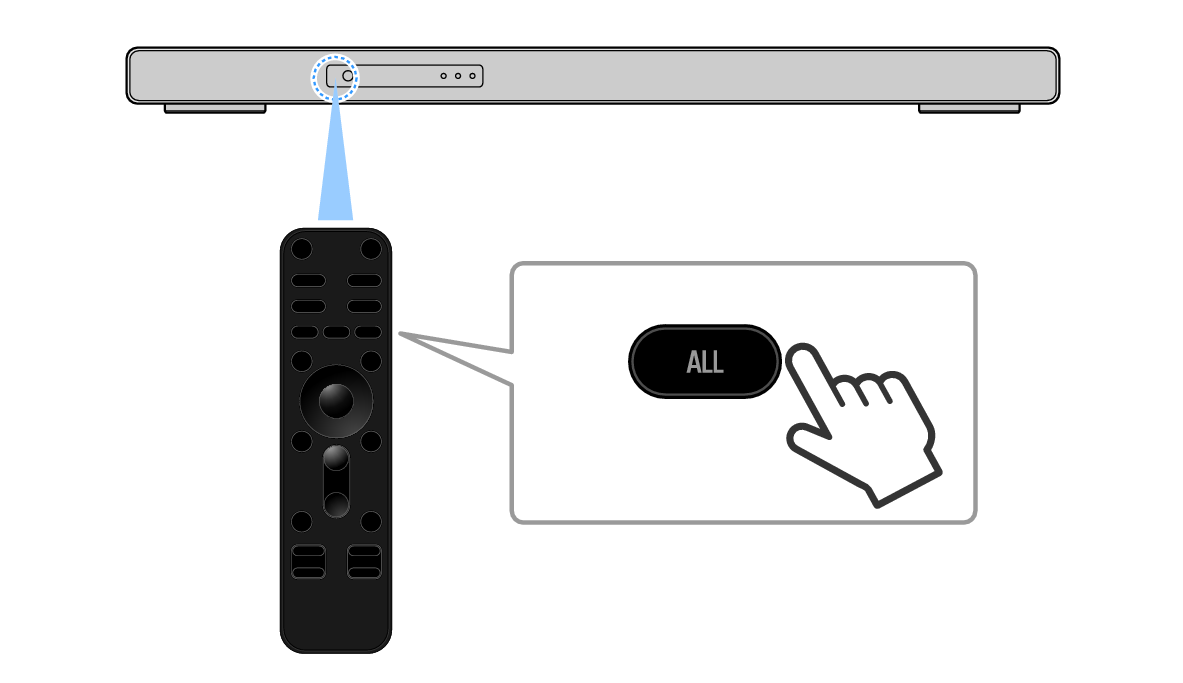
- Point the sound bar remote control at the sound bar and press the ALL key to switch to ALL mode.
- ALL mode is a mode that outputs the same music from the sound bar and the wireless speakers. In this state, check that audio is being output from the wireless speakers.
- If no audio is being output from the wireless speakers, check for the following.
- The SOLO indicators of the wireless speakers are glowing or flashing.
- Press P (mode) to switch to SURROUND.
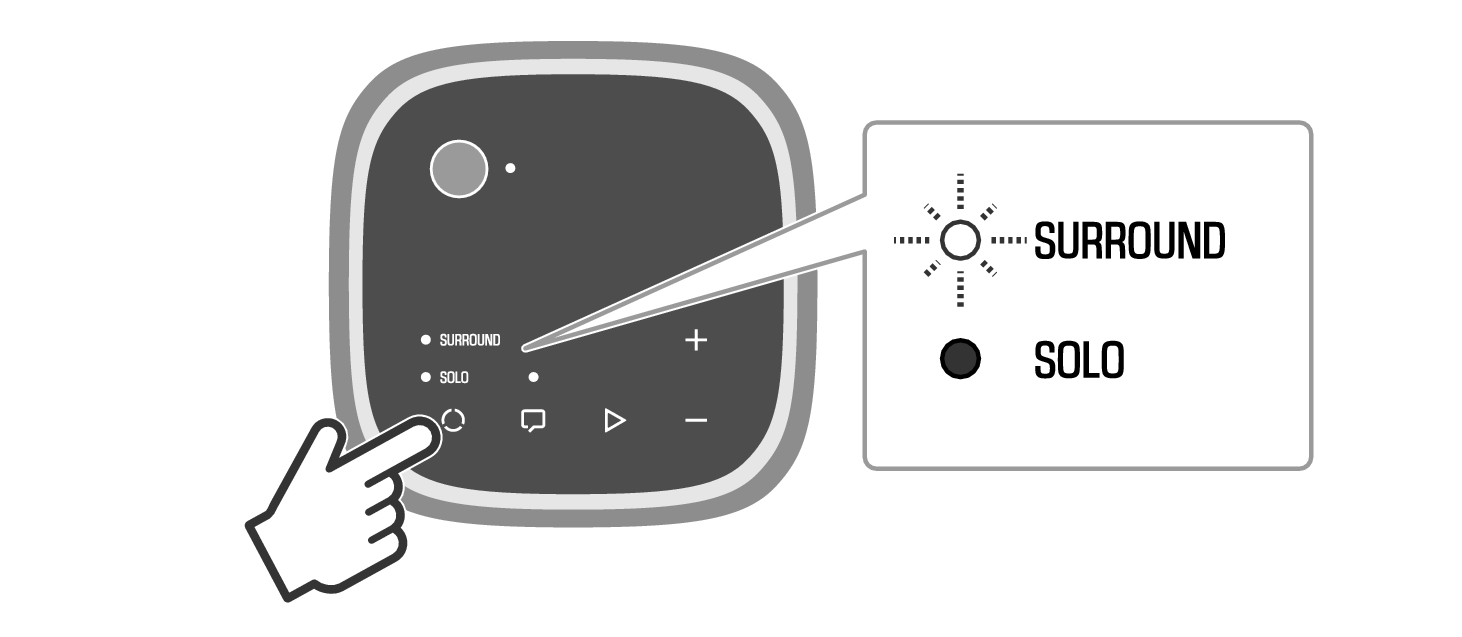
- The SURROUND indicators on the wireless speakers are flashing rapidly.
- The wireless speakers are waiting to be registered to the sound bar. Reregister the wireless speakers.
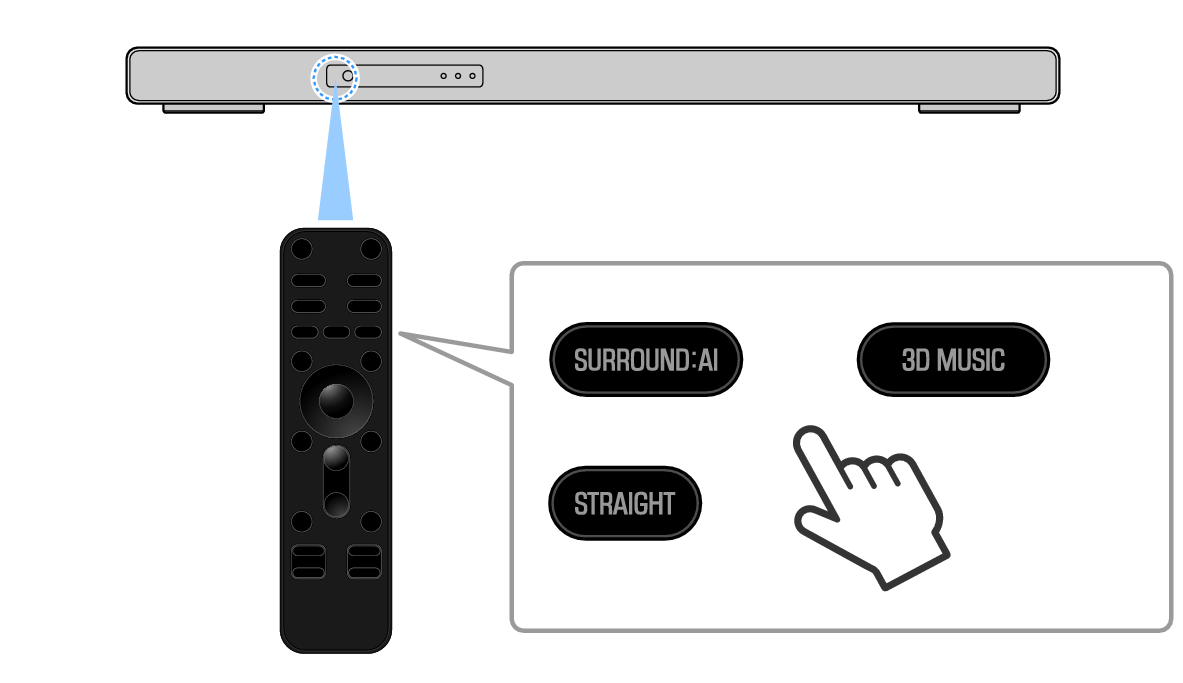
- Once you have checked that audio is output from the wireless speakers, point the sound bar remote control at the sound bar and press the SURROUND:AI, 3D MUSIC, or STRAIGHT key to switch to surround playback.
- Enjoy surround sound playback.
NOTE
- You can check the connection status of the wireless speakers on the front display. For details, refer to the following link.
- To check the connection status by outputting audio from each speaker in turn, select “Test Tone” under “Speaker” > “Level” in the Setup menu. For details, refer to the following link.
 TRUE X BAR 90A (SR-X90A)