


Firmware Update
New firmware is provided to add features or fix bugs. For more information about firmware, visit the Yamaha website. Firmware can be updated via the Internet or using a USB flash drive.
Notification of a firmware update
App notification
If you are using the MusicCast Controller smartphone application, it will notify you when a firmware update becomes available.
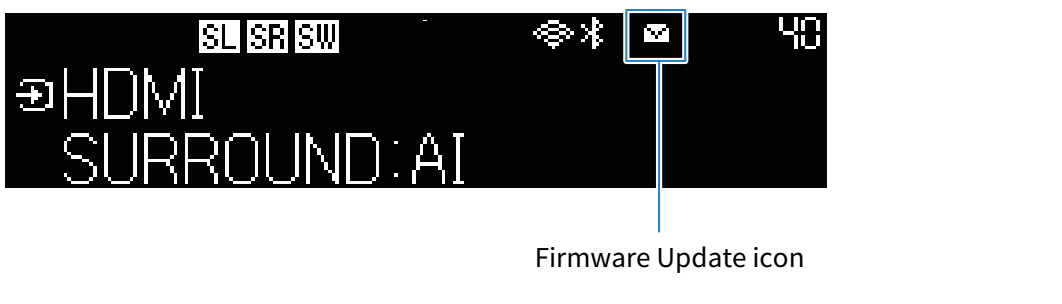
Front display notification
When the sound bar is ready to accept new firmware, the firmware update icon on the front display will glow.
NOTE
- If a more recent version of firmware becomes available before an update is performed, the firmware update indicator may temporarily turn off.
- If your Internet connection is not fast enough or you are using a wireless network, you may not receive notice of a firmware update. In such a case, it may be better to use a USB flash drive to update the firmware.
- The front display example shown here is an English screen.
 TRUE X BAR 90A (SR-X90A)