


Renaming the zone name
Changes the zone name displayed on the TV.
Setup menu
“Multi Zone” > “Zone Rename”
- Select a zone name to be renamed.
- The cursor moves to the name edit screen.
- Edit the name.
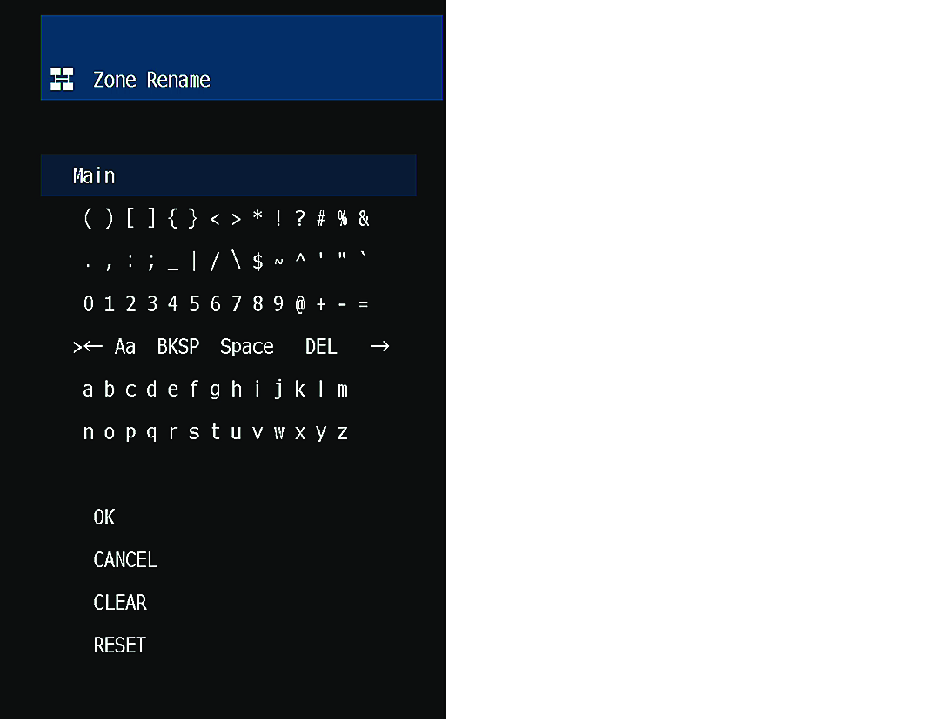
- Select “OK”.
- Press SETUP.
NOTE
- To clear the entry, select “CLEAR”.
- To restore the default name, select “RESET”.
 RX-A2A