


Playing the audio of a Bluetooth device on this product (audio reception)
This product can play music files and the like saved on a Bluetooth device (such as a smartphone).

- If you adjust the volume on the Bluetooth device, it may get unexpectedly loud and cause damage to your hearing and/or equipment. If the volume becomes too loud during playback, stop playback immediately.
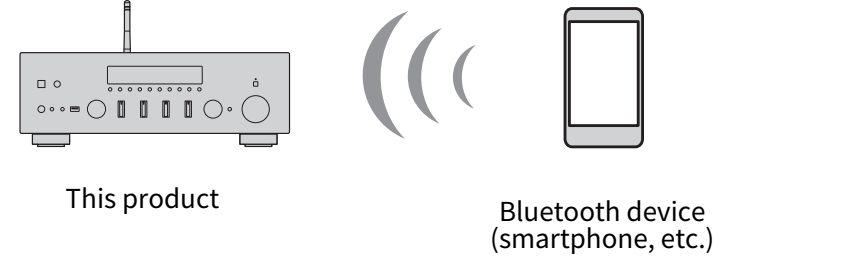
- Switch the input to “Bluetooth”.
- Select this product (network name of this product) on the Bluetooth device.
- If a passkey is required, enter the number “0000”.
- Play the audio of the Bluetooth device.
NOTE
- If a paired Bluetooth device is detected, the input switches and the device is connected automatically. To connect to a different Bluetooth device, first disconnect the current connection.
- You can use the r/d (Play/Pause) key and ■ (Stop) key to control playback of your Bluetooth device.
- The volume on this product can be controlled from the Bluetooth device while it is playing.
- To disconnect the Bluetooth device, do any of the following.
- Perform a disconnect operation on the Bluetooth device.
- Press the BLUETOOTH key for 3 seconds (it may take some time to disconnect).
- Switch the input of this product to anything other than “Bluetooth”.
- Switch “Bluetooth” on the Setup menu to “Off”.
- The Bluetooth indicator on the front display lights up when a Bluetooth device is connected.
- Repeatedly pressing DISPLAY on the front panel during playback allows you to switch the playback information shown on the front display.
 R-N600A