


Mounting an I/O rack (offline)
The following procedure explains how to assign the channels used by the I/O racks and DSP engines to the TWINLANe network.
- Press the SETUP button on the menu bar to access the SETUP screen.
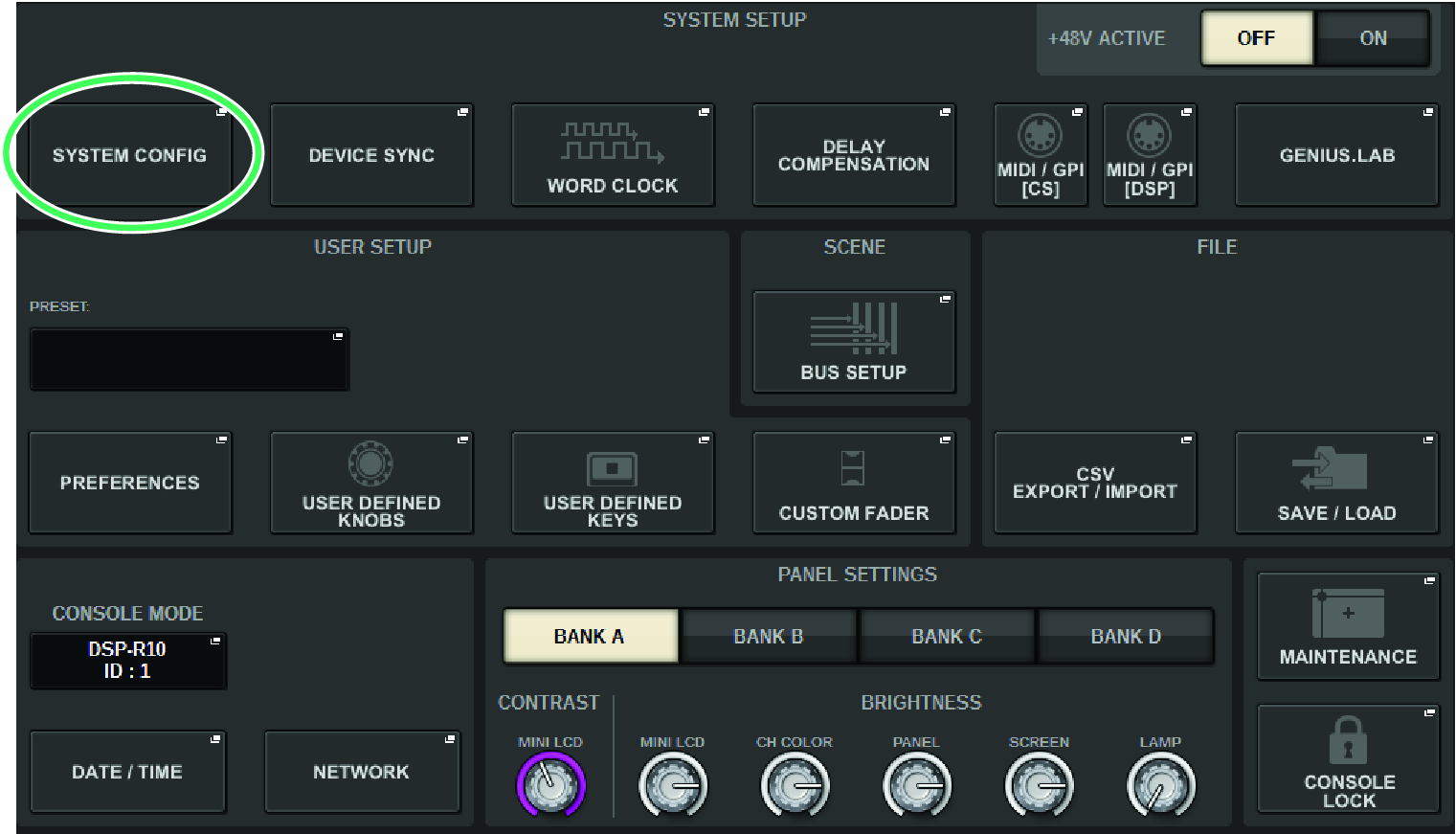
- Press the SYSTEM CONFIG button.
- The “SYSTEM CONFIG popup window (Offline)” appears.
- Press the I/O rack select popup button to access the I/O SELECT popup window.
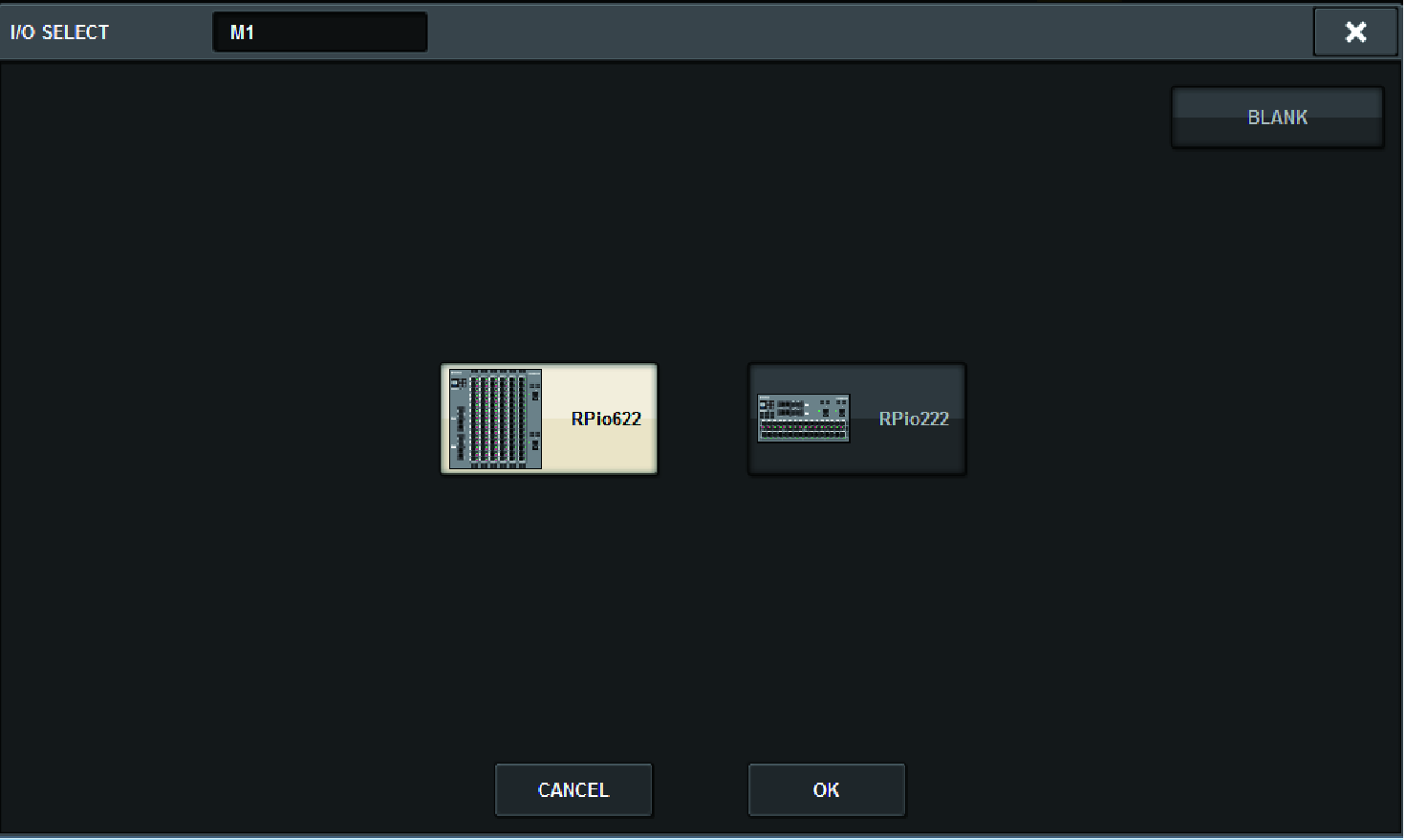
- Select the I/O rack (RPio622 or RPio222) that you want to use, and press the OK button.
- You will return to the SYSTEM CONFIG popup window. To cancel, press the CANCEL button. If you want to add another I/O rack, repeat steps 3–4.
 RIVAGE PM Series