
Update
Update
Updating the Firmware
You can update the firmware for a UR-C/URX-C device from dspMixFx UR-C.
1. Connect a UR-C/URX-C device with a firmware version older than the firmware version for dspMixFx UR-C installed on your computer. After connecting the device, the FIRMWARE UPDATER window will open automatically.
NOTE
If you want to cancel the update, click the [CLOSE] button.
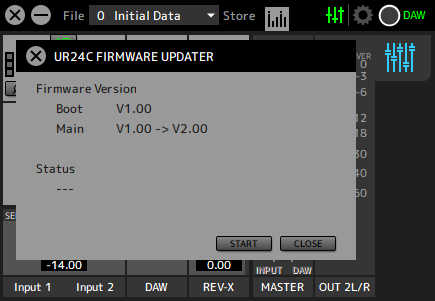
2. Click the [START] button to start the firmware update.

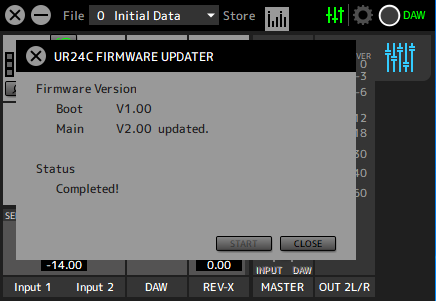
3.After the update is complete, press the [CLOSE] button to close the screen.
NOTE
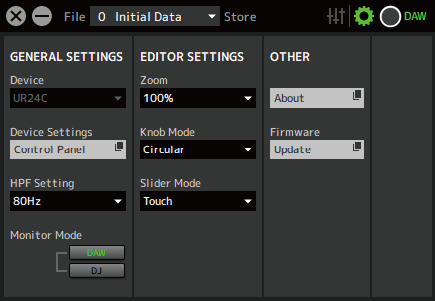
If you cancel in step 1, you can always update the firmware from [Firmware] on the setup screen.
|
© 2025 Yamaha Corporation
|