


Display when patching conflicts between engines
When performing an operation that tries to steal a patch from an output port already patched to another DSP engine on a TWINLANe network, a confirmation message will be displayed on the control surface that initiated the operation, and the control surface from which the patch was stolen now shows that a modification was made.
For instance, when output patching to the same port of an I/O rack is performed from multiple DSP engines on the same TWINLANe network, the last patch will be given priority, and the DSP engine that was first patched will have its patch stolen by the DSP engine patched afterwards. A message is shown in this case.
Display when patch is stolen
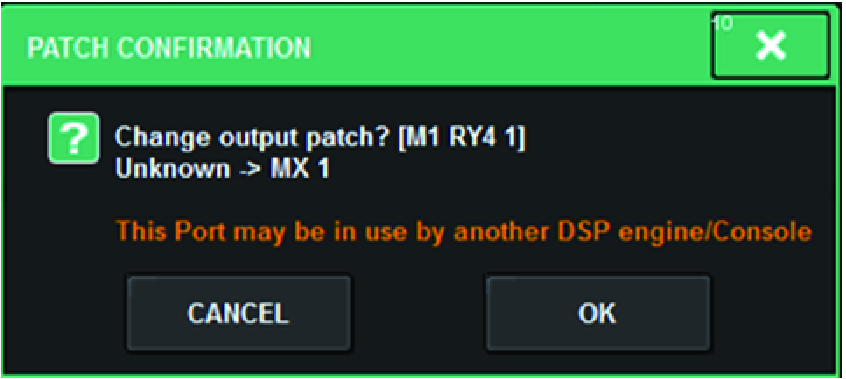
This confirmation dialog is displayed only when the STEAL button in the PREFERENCES popup window is turned on.
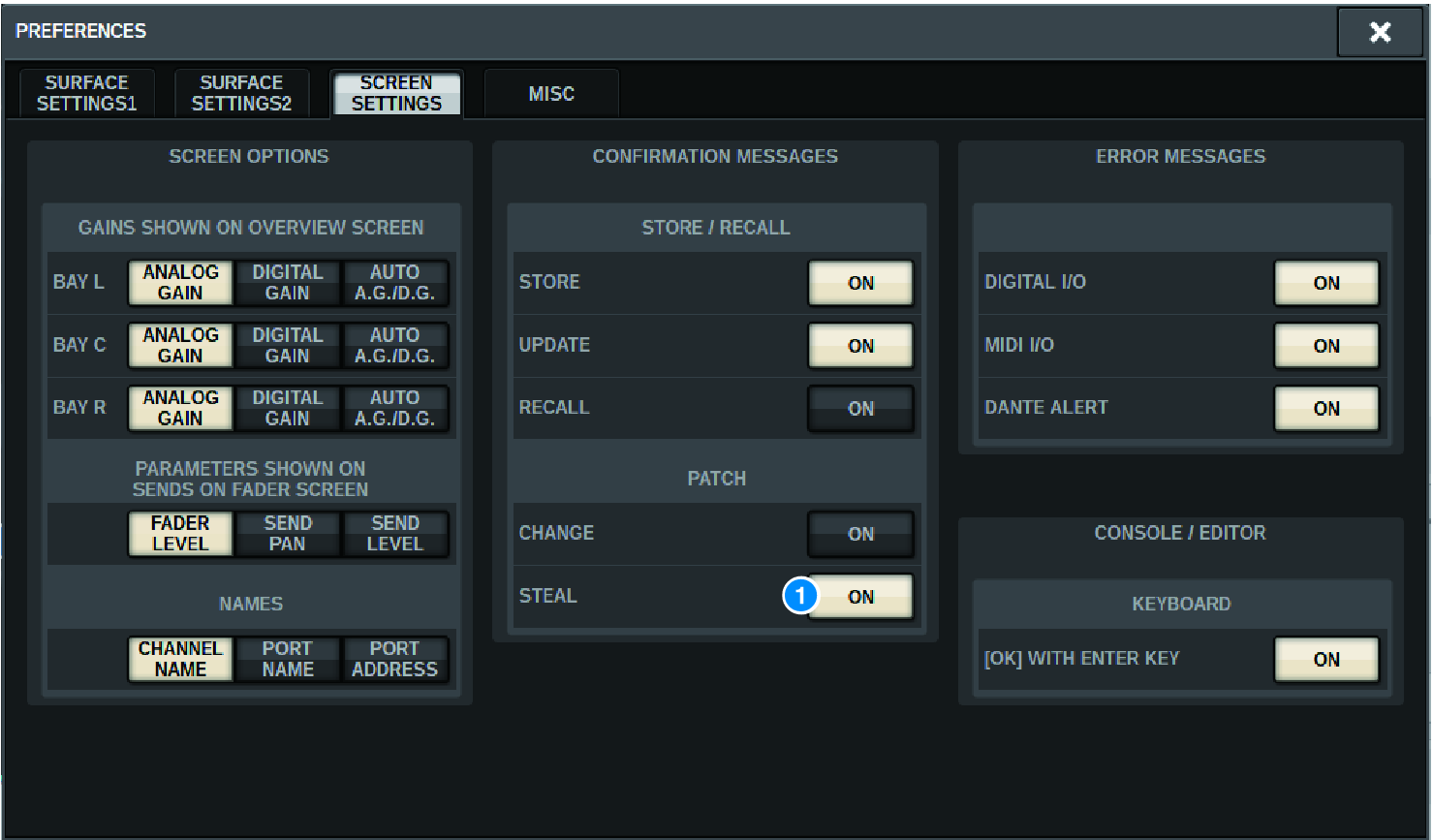
a | STEAL button |
Display when patch is stolen
Patch screen display
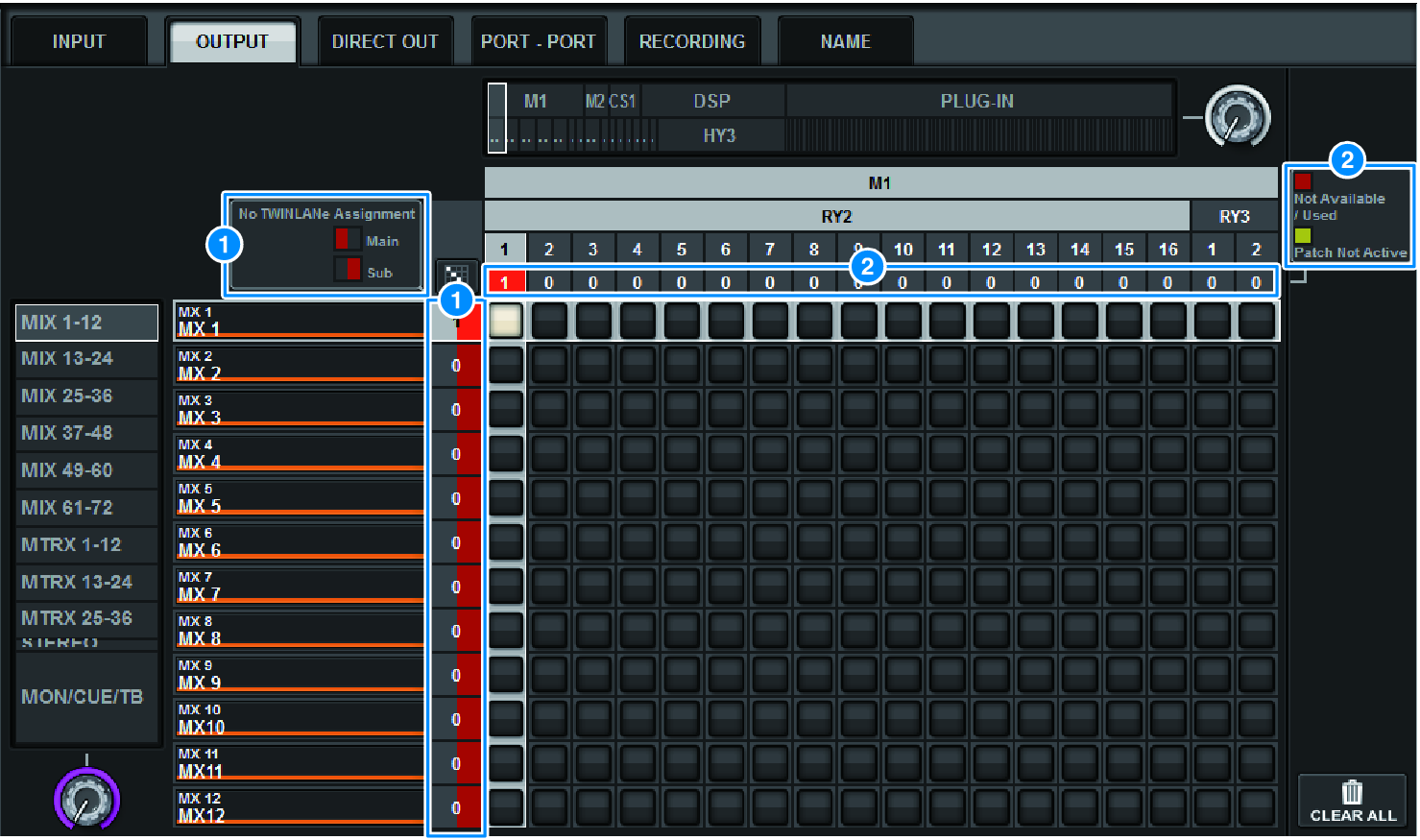
a | TWINLANe network (Main, Sub) assignment display Output channels that are not assigned to the TWINLANe network are shown with the number of patches in red. (left half is Main, right half is Sub) |
b | Display when not correctly patched When the box containing the number of assignments for the applicable port is red or yellow, patching to the port is not yet enabled. The status is color-coded. Red: Not Available/Used, Yellow: Not Active ・Not Available The port is not available because the number of ports is limited due to the sampling rate setting for the card. If you try to patch this port under this status, patching will not be enabled, and the box will remain red. ・Used Another DSP engine has already been patched to this port. If you try to patch to this port under this status, the “Change output patch?” dialog box appears. Touch OK to “steal” a patch from the other DSP engine, and the patch will be enabled. At this time, the red box disappears, indicating that the patch is now enabled. On the other hand, if the currently-used patch is “stolen” by another DSP engine and becomes disabled, the red box will appear, indicating that the patch is being used. However, the button in the patch grid will remain white, indicating that the port is patched. If you remove the patches and then redo the patches again, the patches will be enabled. However, use caution when removing the patches, as you might remove patches used by other engines as well. ・Not Active The port was once patched from another DSP engine, but then the patch was canceled. The button in the patch grid will stay in white, indicating that the port is patched. To enable patching, you must remove and then redo the patch. |
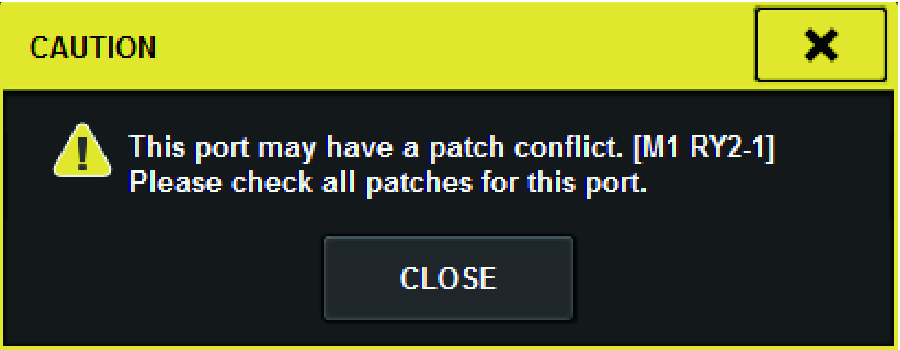
- When there is a patching conflict, PORT IDENTIFY on the I/O rack will be disabled. Also, the message shown below will be shown at the bottom of the screen in yellow.
- “PORT IDENTIFY not available! This channel is not currently patched to an Output Port.”
 RIVAGE PM Series