File Operations
Saving a file
The generated room conditions and settings can be saved to a computer as a plan file (.pvplan extension). The saved plan file can be opened from the top screen of ProVisionaire Plan.
Procedure for saving a file
-
Click the [Save] button.
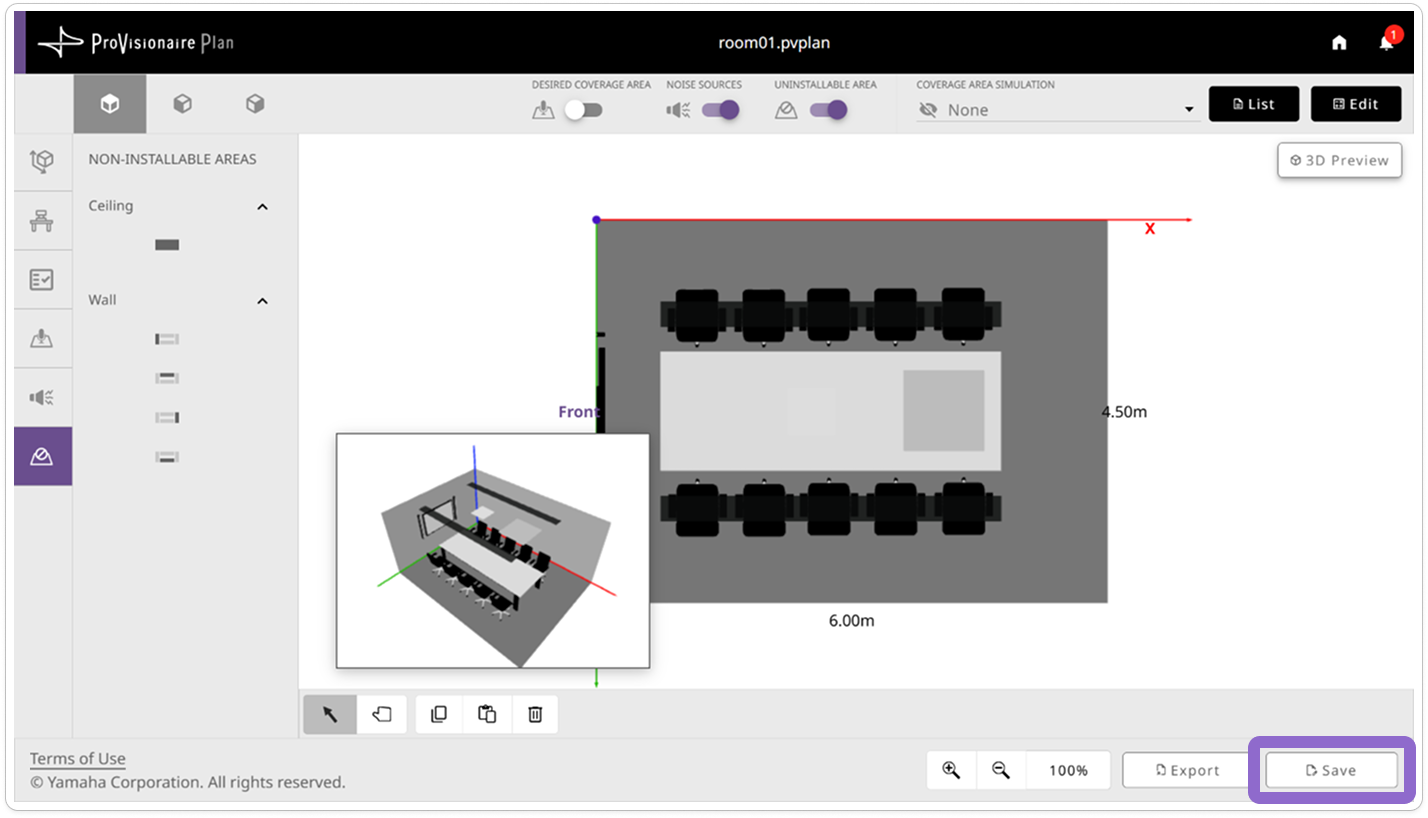
The Save screen appears.
-
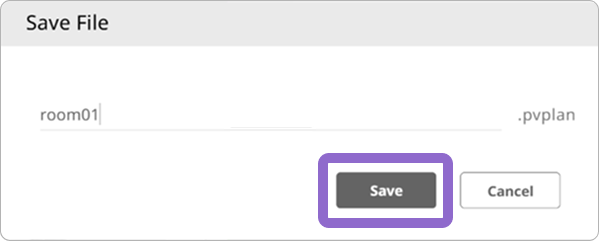
In the Save screen, specify the file name, and then click the [Save] button.
-
The file is saved to the download folder specified in your browser.
|
While creating a new plan, the [Save] button is disabled and the plan cannot be saved. Once all conditions have been specified, the [Save] button becomes available. |