
Opening ProVisionaire Plan
After the ProVisionaire Plan URL is accessed in the browser, the top screen appears.
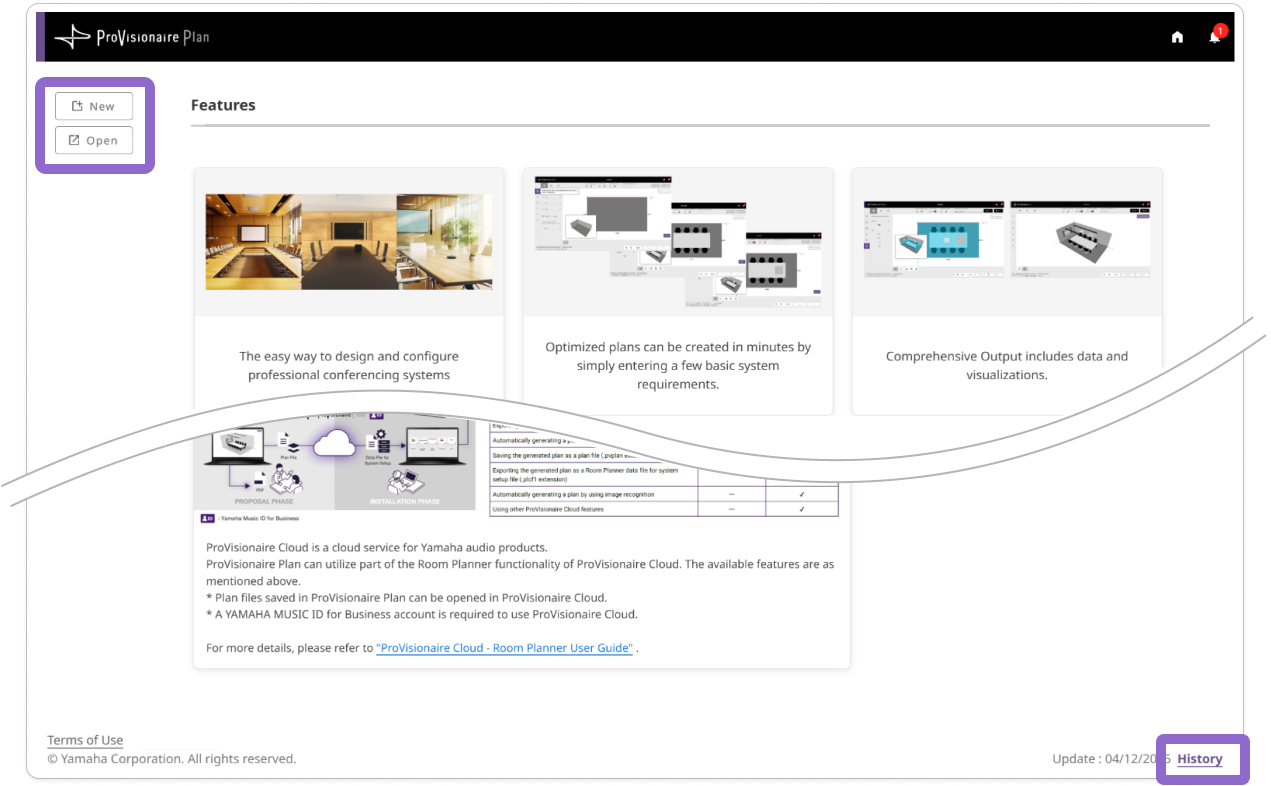
Description of Top Screen
[New] button |
Creates a new plan. |
|---|---|
[Open] button |
Creates a plan by resuming a saved file. |
[History] |
Displays update details for ProVisionaire Plan. |
-
Clicking either the [New] or [Open] button displays the [Terms of Use]. Read the complete [Terms of Use]. Selectthe check box to agree, and then click the [Next] button to continue to the next screen.
|