


LOGIN screen
The LOGIN screen allows you to assign permissions for accessing the DM3 series console.
You can prevent inadvertent misuse by limiting the parameters that can be used by Guests.
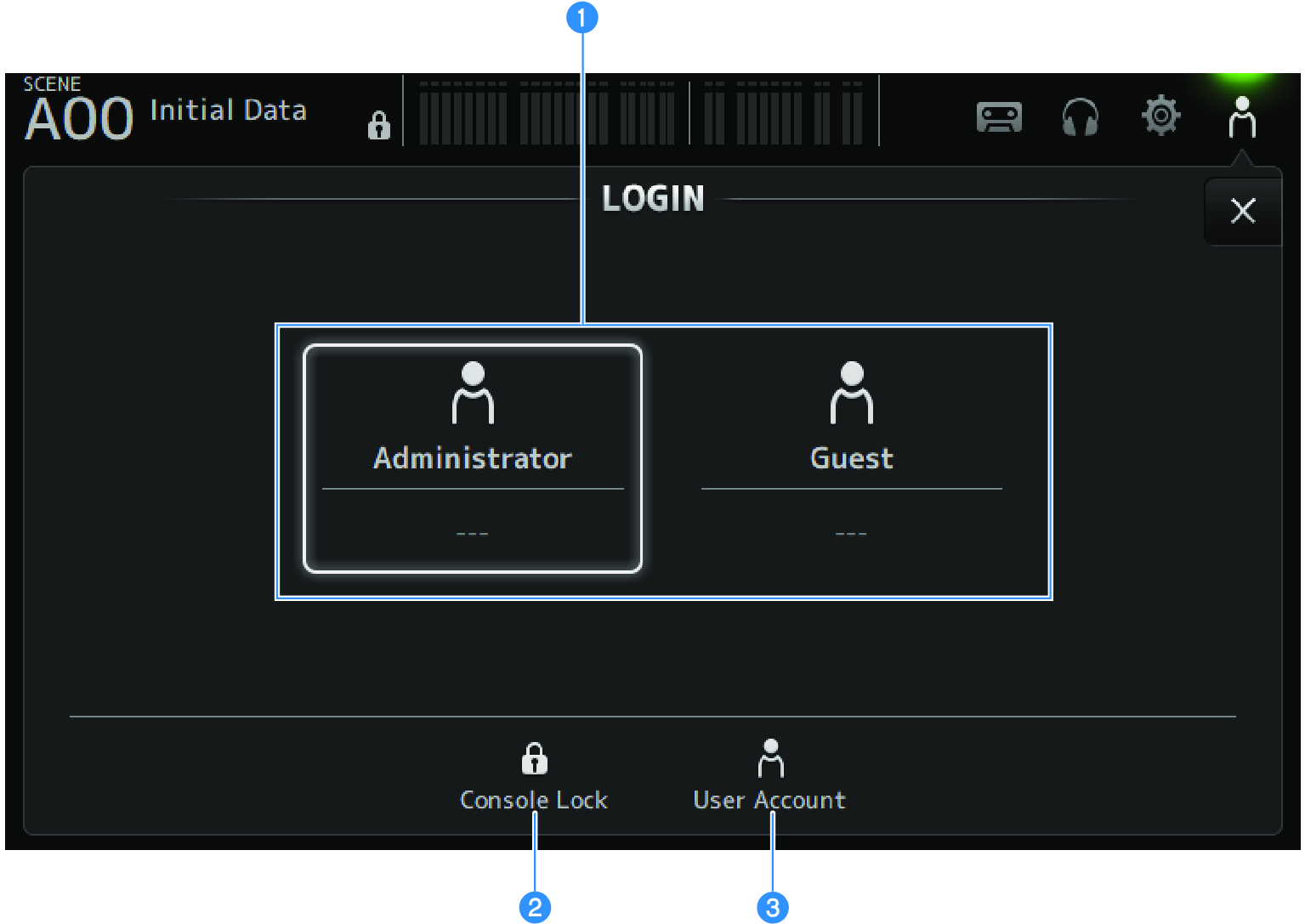
a | Login user selection icons Touch an icon to switch the login user. It also displays the username, comments and the icon. |
Administrator
Can use all features.
Only the administrator can limit Guest access.
Only a password can be set for the Administrator.
Guest
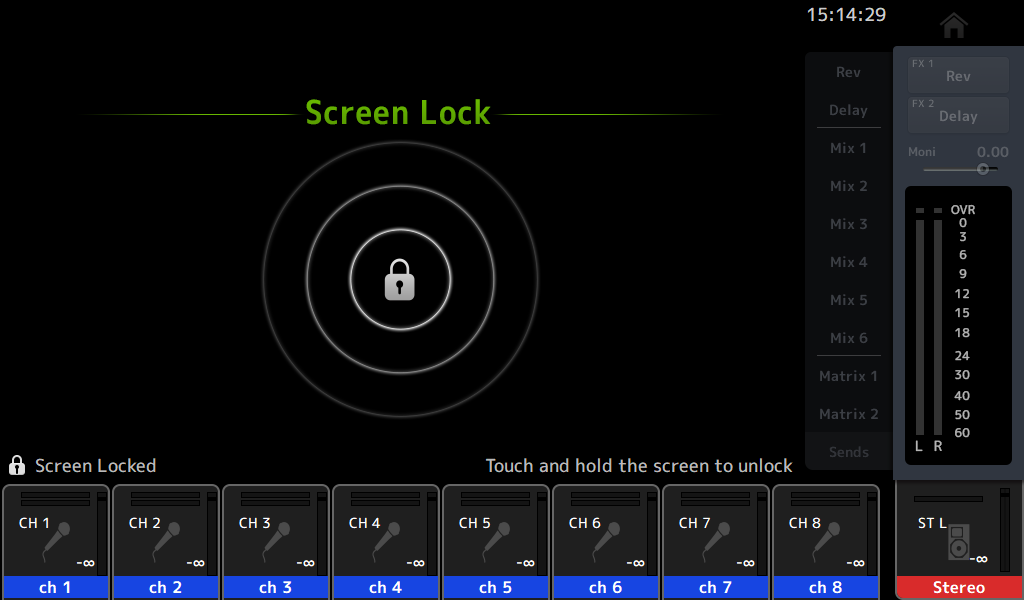
The Screen Lock screen opens when a Guest logs in; the guest cannot use the touch screen. The guest can operate the top panel to the extent allowed by the administrator.
Limits to top panel operation are made on the ACCESS PERMISSION screen.
Access permissions and comments can be configured for Guests.
To change from Guest to Administrator login, long-press the Screen Lock screen.
- No administrator password is set up when shipped from the factory.
- If you wish to restrict operations of other users, be sure to set an administrator password.
- If the power goes off while logged in as the Administrator, the system will ask for the same password the next time the power is turned on. If you wish to login as a Guest, press the cancel button on the password input screen and select Guest from the LOGIN screen that opens.
b | Console Lock icon Touch to open the screen for entering the Administrator password. The CONSOLE LOCK screen opens if the correct password is entered. |
c | User Account icon Touch to display the USER ACCOUNT screen. |
 DM3 Series